Hetzner Snapshot Automation: Schedules, API and Retention
Hetzner Snapshot Automation: Schedules, API and Retention

You can automate Hetzner snapshots in three ways. Turn on Hetzner’s built-in Backups for a daily copy, script the Cloud API for snapshots on your own schedule, or use a tool that creates and prunes snapshots through the API for you. Which one fits depends on how many servers you run, how long you need to keep copies and who is on call when a run fails. This guide covers all three, the gaps each leaves (attached Volumes, consistency, retention) and how to prove a restore works before you need it.
TL;DR
- Hetzner Backups are automatic, daily and capped at seven slots per server. Snapshots are manual, last until you delete them and survive deletion of the server.
- Neither covers attached Volumes, so plan separate protection for that data.
- Custom snapshot automation means calling the Cloud API, then polling the action until it finishes, then pruning old images yourself.
- A snapshot you have never restored is an assumption. Rebuild a test server from it on a regular schedule.
- We built VPS Snaps to run scheduled provider snapshots with retention and run logs, so you don’t maintain scripts.
Table of Contents
- Hetzner Backups vs Snapshots: pick the right one first
- What snapshots protect, and what they leave out
- Three ways to automate Hetzner snapshots
- Retention: decide how many points you keep
- Consistency: running servers are not guaranteed clean
- Storage Box snapshots are a different feature
- Test restores before you need one
- How to choose: a quick decision guide
- Perspective
- Automate Hetzner snapshots with VPS Snaps
- FAQ
- Sources
Hetzner Backups vs Snapshots: pick the right one first
Most confusion about “Hetzner snapshot backups” comes from the fact that Hetzner uses both words for two different features. Hetzner’s FAQ describes a Backup as an automatically created daily copy tied to its server, with seven rotating slots. A Snapshot is created by you, stays until you delete it, can be taken at a moment you choose and survives the deletion of the source server.
| Cloud Backup | Cloud Snapshot | |
|---|---|---|
| Created | Automatically, daily | By you (Console, CLI or API) |
| Retention | Seven slots; the oldest is deleted when a new one is created | Until you delete it |
| Survives server deletion | No, it is bound to the server | Yes |
| Timing | Hetzner’s daily window | Any time you choose |
| Billing | Flat monthly amount, 20% of the server price | Per GB per month, by compressed storage used |
The billing row comes from Hetzner’s billing FAQ, which says Backups cost 20% of the server price per month and include seven slots, while Snapshots are billed by the compressed storage they use.
The practical rule: use Backups as the always-on safety net for “someone broke the server yesterday”, and use Snapshots for deliberate points in time, such as before a deploy, before an OS upgrade or as a golden image for new servers. Our own walkthrough of the difference between a snapshot and a backup goes further on when each belongs in a recovery plan.
What snapshots protect, and what they leave out
According to Hetzner’s overview, Backups and Snapshots are copies of the server’s disk. You can use one to rebuild the existing server or to create a new server. That covers the operating system, installed packages, configuration and whatever data lives on the root disk.
The same page states that attached Volumes are not included. If your database, uploads or Docker data sit on a Volume, a snapshot of the server will not contain them. Check snapshot scope and Volume coverage before you assume a nightly image is a full copy of your stack, then list every place data lives: root disk, Volumes, external databases, object storage.

For Volume data, file-level or database-level backups into storage you own are the usual answer. That is the reason we added database dumps, Docker volume backups, file backups and Kubernetes manifest and volume backups next to provider snapshots in VPS Snaps.
Three ways to automate Hetzner snapshots
Option 1: Hetzner’s built-in Backups
Switch on Backups for a server and Hetzner takes a daily copy, rotating through seven slots. There is nothing to script. The trade-offs are structural: you cannot choose a different frequency, the copy goes away with the server, and seven days is the horizon. If you need to recover something from three weeks ago, a Backup will not have it.
Option 2: Scripts against the Cloud API
This is the route most “Hetzner snapshot automation” tutorials take, whether through the hcloud CLI, Ansible, Terraform or a cron job with curl. A 2022 Ansible guide by Kim Oliver Drechsel shows the shape of it:
- Look up the server’s ID.
- Send a POST request to
/servers/{id}/actions/create_image, choosing the typesnapshotorbackup. - Poll the returned image or action until progress reaches 100%.
That covers creation. A production-grade job also needs the parts tutorials skip:
- Labels or naming so the script knows which snapshots it owns and which were taken by hand.
- Pruning so snapshots do not accumulate forever, since they are billed by storage and live until deleted.
- Failure handling so a missed run produces an alert instead of silence.
- Token storage so a project API token is not sitting in plaintext in a crontab.
Each of these is small. Together, across ten servers and two years, they become a pile of scripts nobody wants to own.
Option 3: A tool that does the API work for you
A managed tool calls the same provider API, but adds scheduling, retention, encrypted credential storage and logs. That is what VPS Snaps does for Hetzner. See our Hetzner Cloud backups page for the integration, and our guide to creating, restoring and automating Hetzner snapshots for the step-by-step.
Retention: decide how many points you keep
Retention is where DIY automation usually goes wrong. Backups give you a fixed seven slots, and Hetzner’s FAQ says that when the slots are full, creating another Backup deletes the oldest. Snapshots have no such rule, so your automation has to supply one.
A simple policy that works for many small teams:
- Daily snapshots, keep the last 7.
- Weekly snapshots, keep the last 4.
- Monthly snapshots, keep the last 3 to 12, depending on how far back you might need to look.
Then mark anything irreplaceable. The FAQ notes that important Snapshots can be protected through the Console or the API, which stops accidental deletion. Protect the pre-migration snapshot you cannot recreate, and let automation manage the rest.
Price the policy before you commit to it. Every retained snapshot is storage you pay for each month, so the number of points matters as much as server size. Our post on what cloud backup really costs walks through the arithmetic.

Consistency: running servers are not guaranteed clean
The most overlooked line in Hetzner’s documentation is about consistency. The FAQ advises powering the server off before creating a Backup or Snapshot to get a consistent disk copy, and says that if the server is running, Hetzner does not guarantee data consistency.
For a static web server, that is rarely a problem. For a busy database, a disk-level copy taken mid-write may need crash recovery on restore, and may not restore cleanly at all. Your options:
- Dump databases separately. A logical dump (
pg_dump,mysqldump) is consistent by design and can be restored on any server. - Quiesce before the snapshot. Flush and lock writes, take the snapshot, then release.
- Schedule during low traffic, which reduces risk but does not remove it.
- Power off for servers where a short maintenance window is acceptable.
The most robust pattern is layered: a provider snapshot for fast whole-server recovery, plus application-aware dumps for the data you cannot afford to restore badly. VPS Snaps supports both in the same schedule, with database dumps and application detection alongside snapshots.
Storage Box snapshots are a different feature
If you also use a Hetzner Storage Box as a backup target, note that its snapshots are not the same thing. Hetzner’s Storage Box documentation says automatic Storage Box Snapshots can run daily, weekly or monthly at a time you pick, and manual ones persist until deleted.
The same page is clear about the limits: they track changes instead of storing full independent copies, they are not full Backups, they cannot create a new Storage Box, and they restore only to the Storage Box they came from. So they protect against accidental deletion or overwriting of files on the box, not against losing the box itself. If you use a Storage Box as a destination, see our guide to Hetzner Storage Box for server backups. Teams who prefer an S3 target can read about Hetzner Object Storage for server backups.
Test restores before you need one
Automation proves that copies are being made. It does not prove that they work. Hetzner’s overview describes two restore paths: rebuild the existing server from an image, which overwrites any disk data not in that image, or create a new server from the Backup or Snapshot.
For testing, always take the second path. Creating a fresh server leaves production untouched. A repeatable drill looks like this:
- Pick the latest automated snapshot.
- Create a new server from it in a throwaway project or a small server type.
- Boot it, check services start, and confirm that the application answers.
- Check the most recent data you expect to see is actually there.
- Delete the test server and record the time it took.
If you manage infrastructure as code, you can fold this into your workflow. The Terraform Registry documentation for the hcloud provider shows how a server can be created from a selected Snapshot by querying the most recent labeled image and assigning its ID to the server’s image attribute. Labels pay off here: the same label your automation applies when creating snapshots lets Terraform find the right one to restore.
Also check that you will know when something fails. A job that silently stops in March is discovered in October. Our guide on how to know when a server backup fails covers alerting patterns that work whatever tool you use.
How to choose: a quick decision guide
- One or two hobby-sized servers, low stakes: Hetzner Backups are enough, ideally with a manual snapshot before risky changes.
- A handful of servers, you like scripting: use the API with labels, pruning and alerts, and budget time to maintain it.
- Many servers, several clients or several clouds: a tool that handles schedules, retention and logs across providers saves more than it costs. Hetzner is one of seven providers VPS Snaps integrates with, so the same approach carries over to Vultr or DigitalOcean.
- Databases, Docker or Kubernetes in play: add application-level backups on top of snapshots, whichever route you take.
Perspective
We built VPS Snaps because we kept seeing the same pattern: a backup “system” that is really three shell scripts, a cron entry and one person’s memory. It works until that person leaves, the token expires or an API call fails quietly.
Our view is that snapshot automation should be boring and auditable. Backups should run on a schedule, stream straight into storage you own, and leave a log that says what happened. Credentials should be stored encrypted, not pasted into a crontab.
We also think you should never need us to get your data back. Snapshot artifacts stay in your provider account and can be restored without VPS Snaps, and we don’t stage your files or require a proprietary restore tool. If you stop using us, your backups remain yours.
For Hetzner specifically, we recommend layering: provider snapshots for fast whole-server recovery, plus database dumps and volume backups for the data snapshots do not cover.
Scott
Automate Hetzner snapshots with VPS Snaps
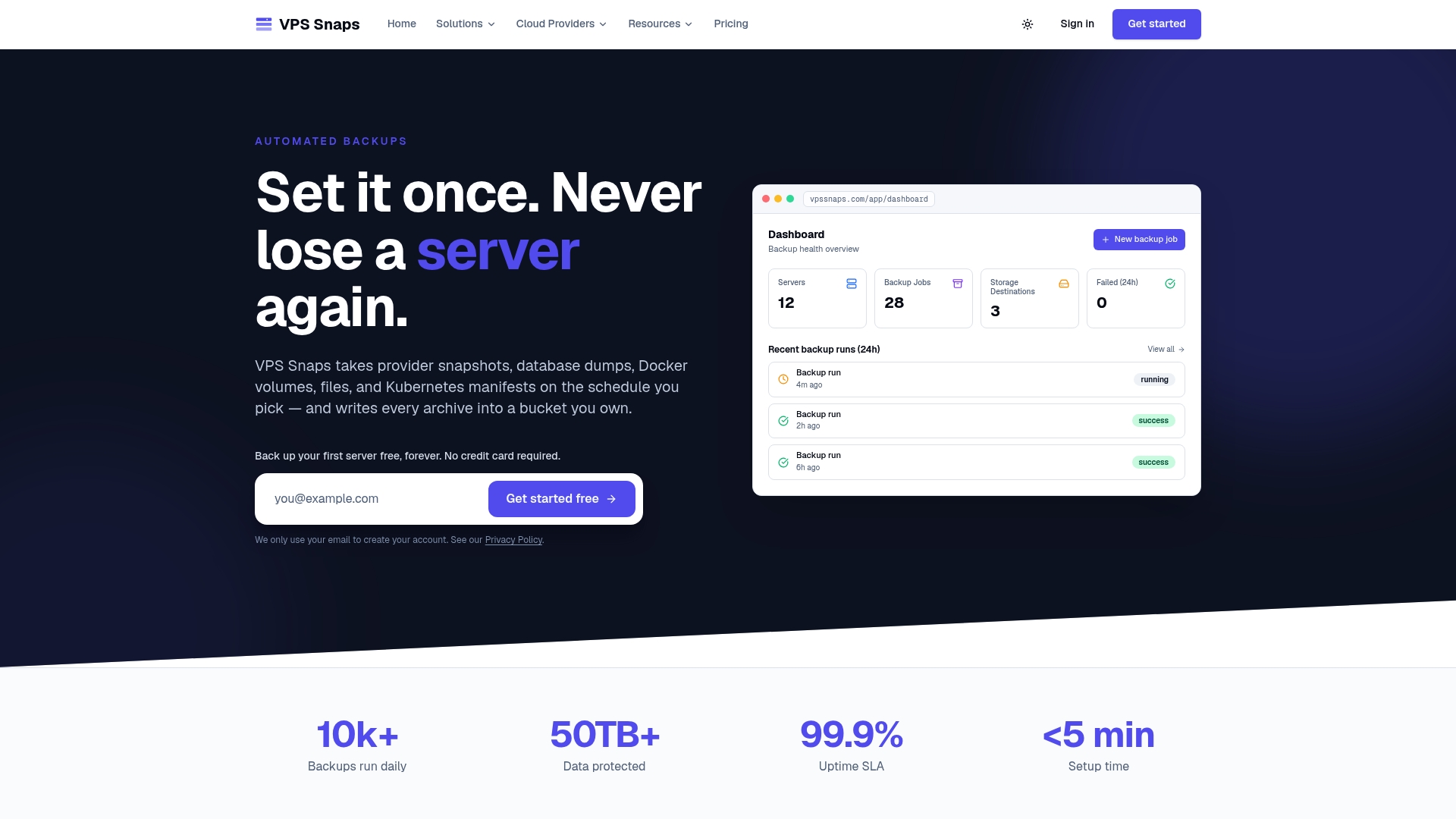
VPS Snaps gives you scheduled provider snapshots, database dumps, Docker volume and file backups, Kubernetes manifest and volume backups, and application detection from one place. Data streams directly into buckets you own, credentials are stored encrypted, run logs record each operation, and retention is managed automatically. You can see the Hetzner integration before you sign up.
Plans are published on the pricing page: Free at $0 per month, Starter at $10 per month, Standard at $30 per month, Pro at $57 per month and Agency at $117 per month. Annual billing is $120 per year for Starter, $360 for Standard, $684 for Pro and $1,404 for Agency.
FAQ
Does Hetzner automatically snapshot my server?
Not snapshots, but it does offer automatic Backups. When enabled, Backups are created daily and kept in seven rotating slots. Snapshots are created only when you or your automation request them, and they stay until deleted.
Do Hetzner snapshots include attached Volumes?
No. Hetzner’s documentation states that Cloud server Backups and Snapshots do not include attached Volumes. Protect Volume data separately, for example with file-level or database backups into a bucket you control.
Is a Hetzner snapshot a real backup?
It is a useful copy of the server disk, and it survives deletion of the server, which a Cloud Backup does not. For a complete plan, keep copies in storage outside the server’s own project, and take consistent database dumps as well.
How much does Hetzner snapshot automation cost?
Hetzner bills Snapshots per GB per month by compressed storage used, and Backups at 20% of the server price per month. A tool adds its own subscription on top. VPS Snaps plans start free and go up to $117 per month for Agency.
How do I restore from a Hetzner snapshot?
Either rebuild the existing server from the snapshot, which overwrites disk data not in it, or create a new server from the image. For testing, use a new server so production stays untouched.
Sources
- FAQ - Hetzner Docs (Backups and Snapshots)
- Overview - Hetzner Docs (Backups and Snapshots)
- FAQ - Hetzner Docs (Cloud billing)
- Storage Box Snapshots - Hetzner Docs
- Hetzner Cloud: how to create a snapshot or backup with Ansible
- hcloud_server resource - Terraform Registry