Cloud Backup Costs: What You'll Really Pay in 2026
Cloud Backup Costs: What You’ll Really Pay in 2026

Cloud backup costs are the sum of four meters: storage per GB-month, API requests, retrieval fees and data transfer out. On Amazon S3 Standard in US East (N. Virginia), storage is $0.023 per GB-month, so 1 TB of backups sits near $23 a month before requests and restores. Most surprises come from restores and from storage classes with minimum retention periods, not from the headline storage rate.
This guide walks through each meter, shows worked examples for 1 TB, 5 TB and 20 TB, and covers what to add on top: backup software, redundancy and the day you need to restore.
TL;DR
- Storage is the smallest surprise. S3 Standard is about $0.023/GB-month in us-east-1, and archive tiers fall as low as $0.00099/GB-month.
- Restores and egress are where bills jump: data leaving AWS costs $0.09/GB after the first 100 GB each month.
- Cheaper storage classes carry retrieval fees and minimum durations of up to 180 days, so match the class to how often you actually restore.
- Budget for tooling too. Our plans run from $0 to $117 a month, and backups stream into a bucket you own, so storage is billed separately by your provider.
Table of Contents
- What makes up a cloud backup bill
- S3 storage classes and what they cost per GB
- Worked examples: 1 TB, 5 TB and 20 TB
- Comparing S3 with other backup storage targets
- Costs people forget to budget
- How to estimate your own monthly cost
- Ways to lower the bill without risking recovery
- Put a price on automated backups
- FAQ
- Sources
What makes up a cloud backup bill
A cloud backup bill is rarely one number. Providers can charge for storage, restores, data transfer, API requests, retrieval and backup features. Here is what each one means for a team backing up servers.
Storage. You pay per GB for every month the data sits in the bucket. Retention policy drives this more than anything else: keep 30 daily copies instead of 7 and you store roughly four times as much, unless the backups are incremental.
Requests. Every upload and listing is an API call. On S3 Standard in US East, writes and LIST requests cost $0.005 per 1,000, and reads $0.0004 per 1,000. A backup tool that uploads millions of tiny files pays far more in requests than one that uploads a few large archives.
Retrieval. Standard storage has no per-GB retrieval fee. Infrequent-access and archive classes do. For example, S3 Glacier Deep Archive standard retrieval is $0.02 per GB.
Egress. Putting data into S3 is free. Taking it out is not: the first 100 GB a month is free, then the next 10 TB starts at $0.09/GB. This only matters when you restore, but that is exactly when you can least afford to wait or argue about the invoice.
Region. Pricing is not uniform. S3 Standard storage rates vary by up to 76% between AWS regions, so a São Paulo bucket costs far more per GB than one in Virginia or Oregon. For a US team, a US region is usually both cheaper and closer to your servers.
S3 storage classes and what they cost per GB
S3 offers a ladder of classes. Moving down the ladder cuts the monthly storage price and raises the cost and delay of getting data back. Per one independent comparison, the trade is lower monthly fees against higher retrieval costs and longer minimum storage durations, up to 180 days for Deep Archive.
| Class | Storage per GB-month (us-east-1) | Retrieval | Best for |
|---|---|---|---|
| S3 Standard | $0.023 | No per-GB fee | Recent backups you may restore this week |
| Infrequent Access tiers | Lower than Standard | Per-GB fee | Older copies restored rarely |
| Glacier Deep Archive | $0.00099 | $0.02/GB standard | Long-term retention and compliance copies |
The Standard and Deep Archive endpoints come from CloudZero’s 2026 guide. Check AWS’s own pricing page for the exact rate of the intermediate tiers before you commit.
The 180-day minimum is the trap. Delete or overwrite an object early and you are still charged for the remaining days. We wrote a separate piece on avoiding the 180-day charges when backing up to Glacier, and the short version is to send only data you intend to keep for months, and to let a retention policy expire it on schedule.
Many teams don’t store data in the class that matches its real use, so a quick look at how often you actually read old backups can pay for itself.
Worked examples: 1 TB, 5 TB and 20 TB
The figures below use the rates quoted above, treat 1 TB as 1,000 GB, and ignore taxes and any discounts. They are estimates for planning, not quotes.
| Data stored | S3 Standard per month | Glacier Deep Archive per month |
|---|---|---|
| 1 TB | $23 | $0.99 |
| 5 TB | $115 | $4.95 |
| 20 TB | $460 | $19.80 |
Now add a restore. Suppose you lose a server and pull 1 TB back out of S3 Standard to the internet. The first 100 GB is free; the remaining 900 GB at $0.09 is $81. From Deep Archive, the same 1 TB adds $20 in retrieval fees (1,000 GB at $0.02) plus the egress, and the data takes hours to thaw rather than minutes.
Next, requests. A tool that writes one million small objects in a month makes 1,000 batches of 1,000 writes, which is 1,000 × $0.005 = $5. That is minor on its own, but it scales with file count, which is why aggregating small objects is a common cost tactic.
Finally, plan the restore side deliberately. One benchmark suggests modeling a realistic annual restore of 10 to 15% of stored data. For 5 TB, that is 500 to 750 GB a year. After the monthly free tier, that comes to well under $100 in egress on S3, which is a useful sanity check against a scarier worst case.

The worst case: a full restore
Large restores are where egress shows up. The same benchmark prices a 500 TB full restore at $45,000 on AWS S3 Standard, $43,500 on Azure Blob Hot and $60,000 on GCP Standard. Most teams are nowhere near 500 TB, but the ratio holds at any size: egress per GB is often many times the monthly storage price per GB.
Comparing S3 with other backup storage targets
S3 is the default, not the only choice. Because S3-compatible storage speaks the same API, you can point backups at several providers and compare on the three numbers that matter: storage, egress and minimum retention.
- Wasabi advertises zero egress fees, which makes large restores predictable. See our guide to using Wasabi for server backups.
- Azure Blob Storage has a Hot tier near $0.018 per GB-month according to the same benchmark. Setup is covered in Azure Blob Storage for server backups.
- Google Cloud Storage, Cloudflare R2 and Akamai Linode Object Storage each have their own pricing models and setup steps: Google Cloud Storage, Cloudflare R2 and Akamai Object Storage.
Rates change, so read each provider’s current pricing page before you decide. The point of an S3-compatible workflow is that switching targets later is a configuration change, not a migration project. Our backup storage guides cover each option side by side.
Costs people forget to budget
Backup software. The storage bill is only half of it. Scripts cost engineer time, and commercial tools charge per server, per user or per plan. Decide which model fits your fleet before comparing storage prices.
Redundancy. A second copy in another region or provider doubles storage spend, and cross-region replication adds transfer charges. For anything you could not recreate, it is usually worth it.
Networking. Traffic from private subnets through a NAT gateway is billed per GB processed. Routing S3 traffic through a VPC gateway endpoint instead can cut NAT processing fees and, in one analytics example, reduce the bill by 65%. It applies if your servers live inside AWS.
Old versions. If bucket versioning is on, overwritten and deleted objects keep billing until a lifecycle rule removes them. Expiring noncurrent versions is one of the standard cost-control steps.

Security. Encryption, immutable copies and access controls protect you from ransomware, and they are cheap next to a lost dataset. Read how to protect backups from ransomware and how to encrypt backups with GPG and age.
How to estimate your own monthly cost
- Measure the source. Add up the size of databases, volumes and files you back up. Use the compressed size if your backups are compressed.
- Pick retention. Decide how many daily, weekly and monthly copies you keep. Multiply by the size, or by the daily change rate if backups are incremental.
- Choose a class. Put recent copies in Standard and long-term copies in an archive class, respecting minimum durations.
- Add requests. Count objects per backup run times runs per month, divided by 1,000, times the write rate.
- Model a restore. Use 10 to 15% of stored data per year as a baseline, then separately price one full restore as your disaster scenario.
- Add tooling. Include the software subscription and any second copy.
Ways to lower the bill without risking recovery
- Match class to access. Look at which backups you actually restore. Seven-day-old copies belong in Standard; year-old ones likely do not.
- Expire what you don’t need. Lifecycle rules for old copies and noncurrent versions stop silent growth.
- Pick the region deliberately. A 76% spread between regions makes this the cheapest decision you will make.
- Reduce object count. Fewer, larger archives mean fewer requests.
- Avoid early deletion. Do not send short-lived data to a class with a 180-day minimum.
- Use a gateway endpoint when servers inside AWS talk to S3.
If you are setting up from scratch, our walkthroughs on creating an S3 bucket for server backups and the prerequisites for backing up to S3 cover lifecycle rules and access policies.
Our perspective on backup costs
Most backup cost problems are really visibility problems. Teams find out what a restore costs on the day they need one, and they find out their retention policy was wrong when the invoice arrives. We built VPS Snaps around the opposite idea: your backups should land in storage you own, in an account you control, with run logs that show what ran, what succeeded and what failed.
That design is also a cost design. Our service streams backup data directly into your own bucket, so you choose the provider, the region and the storage class, and you see the storage charge on your own bill. Snapshot artifacts stay with your provider account and can be restored without relying on us, so a future move to a cheaper target is not blocked by a proprietary format.
Automated retention management matters just as much. The cheapest terabyte is the one you expired on schedule. Our retention handling is meant to take the manual cleanup, and the forgotten copies that come with it, off your plate.
Scott
Put a price on automated backups
Storage is billed by your provider. The backup software is the other line, and ours is published. Monthly plans are Free at $0, Starter at $10, Standard at $30, Pro at $57 and Agency at $117. Annual billing is $120 for Starter, $360 for Standard, $684 for Pro and $1,404 for Agency.
VPS Snaps handles scheduled provider snapshots, database dumps, Docker volume backups, file backups and Kubernetes manifest and volume backups, streaming everything into buckets you own, with encrypted credential storage and detailed run logs.
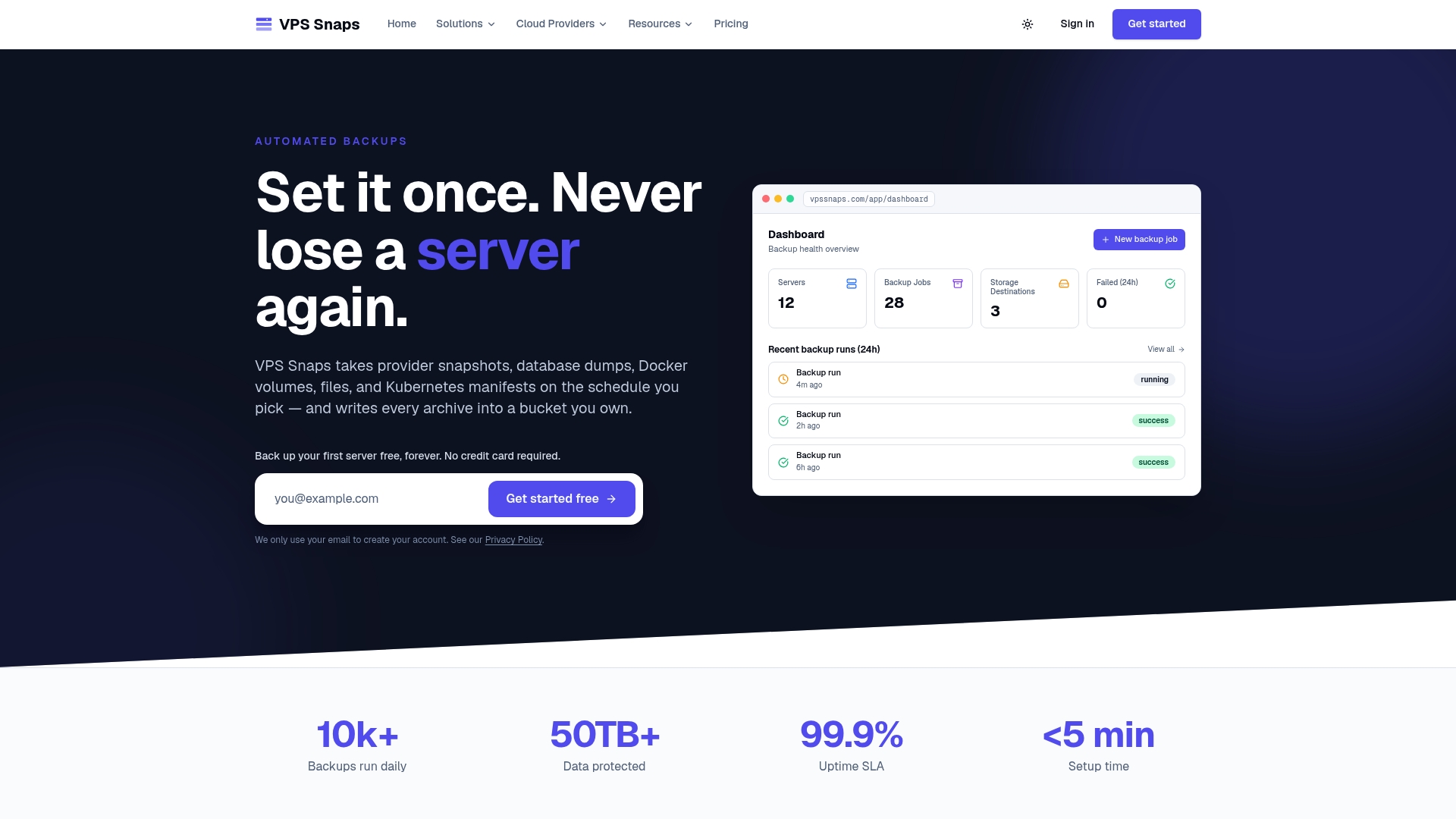
See the current plans and limits on our pricing page, or look at the cloud providers we integrate with to check your stack is covered.
FAQ
How much does cloud backup cost per month?
For raw storage on S3 Standard in us-east-1, about $23 per TB per month, and as little as $0.99 per TB in Glacier Deep Archive. Add API requests, retrieval fees and egress when you restore. Backup software is a separate charge.
How much does S3 backup cost with restores included?
A 1 TB restore from S3 Standard to the internet costs about $81 in egress after the 100 GB free tier, at $0.09/GB. Archive classes add per-GB retrieval fees, such as $0.02/GB for Deep Archive standard retrieval. Restores inside the same AWS region have different transfer rules, so check AWS’s pricing page.
Is Glacier always the cheapest option for backups?
It is cheapest per GB stored, but it has retrieval fees, slower access and minimum storage durations of up to 180 days. It suits long-term copies you rarely restore. For recent backups you may need quickly, a Standard-class tier is usually the better fit.
How can I reduce backup storage costs?
Expire old copies and noncurrent versions, match each backup to the storage class that fits how often you restore it, choose the right region and aggregate small objects. Automated retention rules keep this from depending on someone remembering.
Sources
- Cloud Backup Costs 2026: What You Need to Know
- AWS S3 Pricing Explained (2026)
- Amazon S3 pricing: the complete 2026 guide
- Amazon S3 pricing in 2026: What it really costs and how to reduce it
- Amazon S3 storage classes compared: price and break-even
- Cloud Backup Pricing Benchmarks: AWS vs Azure vs GCP