Backup Restore Testing: How to Prove Your Backups Work
Backup Restore Testing: How to Prove Your Backups Work

A backup is only proven when you have restored it, checked the data and timed how long it took. A green “job completed” status shows that files were written somewhere. It does not show that a database opens, that logins work or that the service is back inside the time you can afford. This guide gives you a restore test you can run this week on a server, a database or a Docker host, and shows how to turn it into a routine. Our own setup is built around that routine: VPS Snaps writes backups into storage you own and keeps run logs of every success and failure, so each test starts from a clear record of what ran.
TL;DR
- Test by restoring into an isolated target, never production, and judge the result against success criteria you wrote down before the test.
- Validate in layers: the backup can be found and decrypted, the data matches a baseline, and the application works against it.
- Time the whole recovery from “restore started” to “service usable”. That number is your real RTO, and the age of the newest restored record is your real RPO.
- Test on a fixed schedule (quarterly is a common starting point for critical systems) and after major changes, and keep a short drill record each time.
- Automate the boring parts: backup runs, logs and retention. Spend your manual time on validation.
Table of Contents
- Why a successful backup job is not a tested backup
- Define what “restored” means before you start
- How to run a backup restore test, step by step
- Validating files, databases and applications
- How often to test, and what should trigger an extra test
- What to log: the drill record
- Where the 3-2-1 rule fits
- What to automate so tests stay cheap
- Perspective
- Start testing with a backup you control
- FAQ
- Sources
Why a successful backup job is not a tested backup
Backup verification and restore testing answer different questions. Verification asks whether the job ran and the data was written. Restore testing asks whether you can get to a usable service within your targets. A restore command can exit successfully while the business data is incomplete, which is why checking only that a connection works is not enough.
The NIST Cybersecurity Framework 2.0 outcome RC.RP-03 says to verify the integrity of backups before using them to restore. In practice that means a test you schedule, not an assumption you make during an outage.
The usual ways a “successful” backup fails at restore time:
- The encryption key or bucket credentials are missing, rotated or stored only on the server that died.
- The dump is complete but a database role, extension or schema version is missing on the new host.
- A Docker volume was captured while the database inside it was mid-write.
- The restore works but takes nine hours, and your business can tolerate two.
- The data is intact but the app cannot sign in, because a secret or environment variable was never backed up.
None of these show up in a job log. All of them show up in a restore test.
Define what “restored” means before you start
Write the success criteria first. Otherwise you will judge the result by whatever you happen to see, and a convenient measurement can create confidence without proving the outcome. Schmalbach’s guide suggests criteria per type of system: for files, the expected files exist and match known checksums; for databases, the expected records exist and an integrity check passes; for services, a representative user action succeeds.
Two targets frame every test:
- RTO (recovery time objective): the longest time you can accept being down.
- RPO (recovery point objective): the most data you can accept losing, measured in time.
If you have not set these, start with our explainer on RPO and RTO with worked examples, then pick a number per system. A criteria sheet for a small web app might read: newest order is less than 24 hours old, row counts are within an agreed variance of the baseline, login works, and total time from start to usable is under four hours. Skyline Engineering’s runbook uses those same kinds of criteria, and also tests both the latest backup and one older backup on rotation, which catches problems that only appear in older retention points.
How to run a backup restore test, step by step
Here is the routine, in order. For a shorter version you can print, see our step-by-step test restore guide.
1. Pick the system and the recovery point
Choose one system and one specific backup, and record both. Rotate: latest this time, an older point next time. Note the time the backup was taken, because you will compare it with the newest data you find later.
2. Build an isolated restore target
Use a scratch VM or a separate database instance. The target needs its own credentials and a network boundary that keeps it from writing to production. Skyline’s runbook also disables outbound email, cron jobs, and payment or SMS integrations on the restored copy, so the test cannot send real customer emails or charge anyone. If you are unsure how to separate test and production cleanly on AWS, this explainer on dev, staging and production environments covers the layout.
3. Confirm you can reach the backup
This is the first stage of a staged test: confirm the backup can be found and accessed, including credentials and decryption keys, before you look at the data. Do it from a machine that does not have your normal working setup. If the only copy of a key lives on the server you are protecting, you have found a real gap.
Because VPS Snaps streams backup data directly into buckets you own and stores credentials encrypted, you can reach the data with your own S3-compatible tools. Snapshot artifacts stay with your provider account and can be restored without relying on VPS Snaps. That removes a dependency from this step.
4. Start the clock and restore
Start the timer when recovery begins. Do not stop it when the restore job reports done. Stop it when validation shows the service is ready to use. Grey Wing’s guide points out that this is usually later than the job finishing, and a fast restore that leaves the service unusable still misses your RTO.
For a full server, our guide on how to restore a server from backup walks through the sequence.
5. Validate in layers
See the next section for files, databases and applications. Work from the cheapest check to the most realistic one.
6. Record the evidence
Capture what you did and what you found, while it is fresh. The section on drill records below has a template.
7. Clean up
The restored copy contains production data. Delete it or restrict access once you are done, and remove the scratch credentials you created.
8. Fix and repeat
Every failed check becomes a task with an owner and a date. A test that finds a problem and produces no follow-up has not improved anything.
Validating files, databases and applications
Match the check to the thing you restored. Daydream’s guidance for FedRAMP control CP-9 is a good summary of the pattern: restore to a sandbox, then use checks suited to the asset type.
| What you restored | Cheap check | Stronger check |
|---|---|---|
| Files and object data | File counts, sizes and checksums against a manifest | Open a sample of representative files to catch silent corruption |
| Database | Restore completes, engine accepts queries, built-in consistency check passes | Row counts and recent key ranges against a baseline from the same recovery point |
| Docker volume or app | Container starts, logs are clean | Representative user action succeeds (sign in, place a test order) |
| Full server or VM | Boots and services start | Smoke tests on the critical workflows |
Database restore testing in three layers
For databases, MyDBOps recommends three layers, each with a variance you accept before the test:
- Structural: schemas, databases, users or roles, and indexes are all present.
- Data: row counts, recent primary-key ranges and high-value totals match a baseline captured from the same recovery point. Compare against that baseline, not against live production, which keeps moving.
- Application: read-only queries that mirror real paths in your app return sensible results.
A worked example: your orders table had 184,220 rows when the backup was taken, and you recorded that number beforehand. The restored copy shows 184,220 rows, the highest order ID matches, and the newest order timestamp is 40 minutes before the backup started. Then a read-only query for a known customer’s last three orders returns what the app shows. That is a pass on all three layers. If you do not know how to capture the baseline, a simple SELECT count(*) and max(id) written to a text file at backup time is enough to start.
If you run PostgreSQL or MySQL, our guide to automated database backups to S3 covers producing dumps you can restore on a schedule. For Windows shops, the SQL Server backup automation guide has copyable PowerShell and sqlcmd.
Test the application, not only the data
A database that passes an integrity check can still sit behind an app that cannot connect, because a secret, a config file or a certificate was never backed up. Point a test copy of the application at the restored data and confirm that sign-in works and one realistic task completes. If you want help designing end-to-end checks against your recovery targets, this piece on measuring recovery against RTO and RPO covers dependencies and application validation.
Restore order matters too. Censinet’s guide recommends mapping dependencies and bringing back infrastructure and databases first, then applications and interfaces, then reporting.
How often to test, and what should trigger an extra test
There is no single correct interval. It depends on how fast the system changes and what an outage costs. Published guidance gives a workable starting point:
- Censinet, citing NIST SP 800-34 contingency planning, recommends a fixed quarterly or semiannual cadence, with each test documented against target RTOs and issues assigned for correction.
- IT KORR suggests partial restores in an isolated environment semiannually, or quarterly for critical systems, with full failover tests annually.
- Risk Publishing’s template plans semiannual restoration tests for its top two tiers of systems, and refreshing the plan within 30 days of a material incident, acquisition or major system change.
A simple plan for a small team: restore one database and one file set every quarter, do a full-server restore once a year, and run an extra test after any of these changes:
- You move to a new cloud provider, region or storage bucket.
- You upgrade a database major version or change the OS.
- You change backup tooling, encryption keys or retention rules.
- You add a new service that stores data, such as a new Docker volume.
Tiering helps you avoid testing everything equally. Our RPO vs RTO tiering templates show how to sort systems so the critical ones get the frequent tests.
What to log: the drill record
Evidence is what turns a test into something an auditor, an insurer or your future self can trust. Sted’s guide says good evidence shows four things: which backup was used and when it was taken, where it was restored, how long it took, and how you know the result was right. Typical proof is the restore log, a timestamped screenshot of the restored system working, a table comparing row counts or checksums, and the tester’s sign-off.
A one-page record per drill is enough:
| Field | Example |
|---|---|
| Date and tester | Your name and the test date |
| System and backup used | Production database, backup taken at a stated time |
| Restore target | Scratch VM, isolated network |
| Retrieval and restore time | Minutes to reach the backup, minutes to restore |
| Newest data found | Timestamp of the latest record, which gives actual RPO |
| Time to usable | Start to validated service, which gives actual RTO |
| Checks passed or failed | Counts, checksums, login, key user action |
| Follow-ups | Task, owner, due date |
If your team needs a checklist habit around releases and human checks, this software release checklist shows how teams structure gates and sign-offs that you can borrow for the drill record.
Write the conclusion in bounded terms. A useful result reads like this: this version of the service recovered from this point under these conditions, these checks passed, this objective failed, and these dependencies remain untested. That is more honest, and more useful, than “backup OK”.
If you handle health data in the US, note that Censinet’s summary of HIPAA guidance says backups must be retrievable exact copies and tested regularly, with a paper trail kept alongside your contingency plan. Confirm specifics with your compliance officer or counsel.
Where the 3-2-1 rule fits
The 3-2-1 rule means at least three copies of your data, on at least two different kinds of storage, with at least one copy at a different physical location from production, as TechTarget’s guide describes it. The same guide recommends simulating a full recovery and tracking how long it takes. The rule tells you how many copies exist. A restore test tells you whether any of them works. Test the off-site copy at least some of the time, because it is the one you will rely on when the primary site is gone.

What to automate so tests stay cheap
Restore tests get skipped when everything around them is manual. The parts you can take off your plate are the backup runs themselves, the retention, and the record of what happened. That leaves your time for the part that needs a human: judging whether the restored data is right.
VPS Snaps schedules provider snapshots, database dumps, Docker volume backups, file backups and Kubernetes manifest and volume backups, with automated retention management. It works across seven major cloud providers, and every run is written to a log that shows successes and alerts you to failures. When you sit down to test, you can see which backups ran and pick the recovery point from a clear list. Our automated restore testing page covers the restore-testing side of the product.
Perspective
We built VPS Snaps around one belief: a backup you cannot restore without us is a risk, not a safeguard.
That is why backup data streams straight into storage you own, and why snapshot artifacts stay with your provider account where you can restore them without VPS Snaps. When a test day comes, or a bad day, you hold the data and the keys. There is no proprietary restore tool between you and your files.
The second belief is that you should not have to maintain a pile of scripts to get there. Scheduled runs, encrypted credentials, retention and run logs give you a trail you can read before every drill. Then your effort goes where it counts: checking the restored data against your criteria and writing down what you learned.
Test the smallest system first, record the time, and run it again next quarter. Habit beats heroics.
Scott
Start testing with a backup you control
If your backups come from several scripts and nobody is sure which ones ran last night, the first fix is a single place that runs them and logs the result. VPS Snaps has a Free plan at $0 per month, and paid plans start at $10 per month for Starter, $30 for Standard, $57 for Pro and $117 for Agency. Annual billing is $120, $360, $684 and $1,404 respectively. You can compare them on the pricing page.
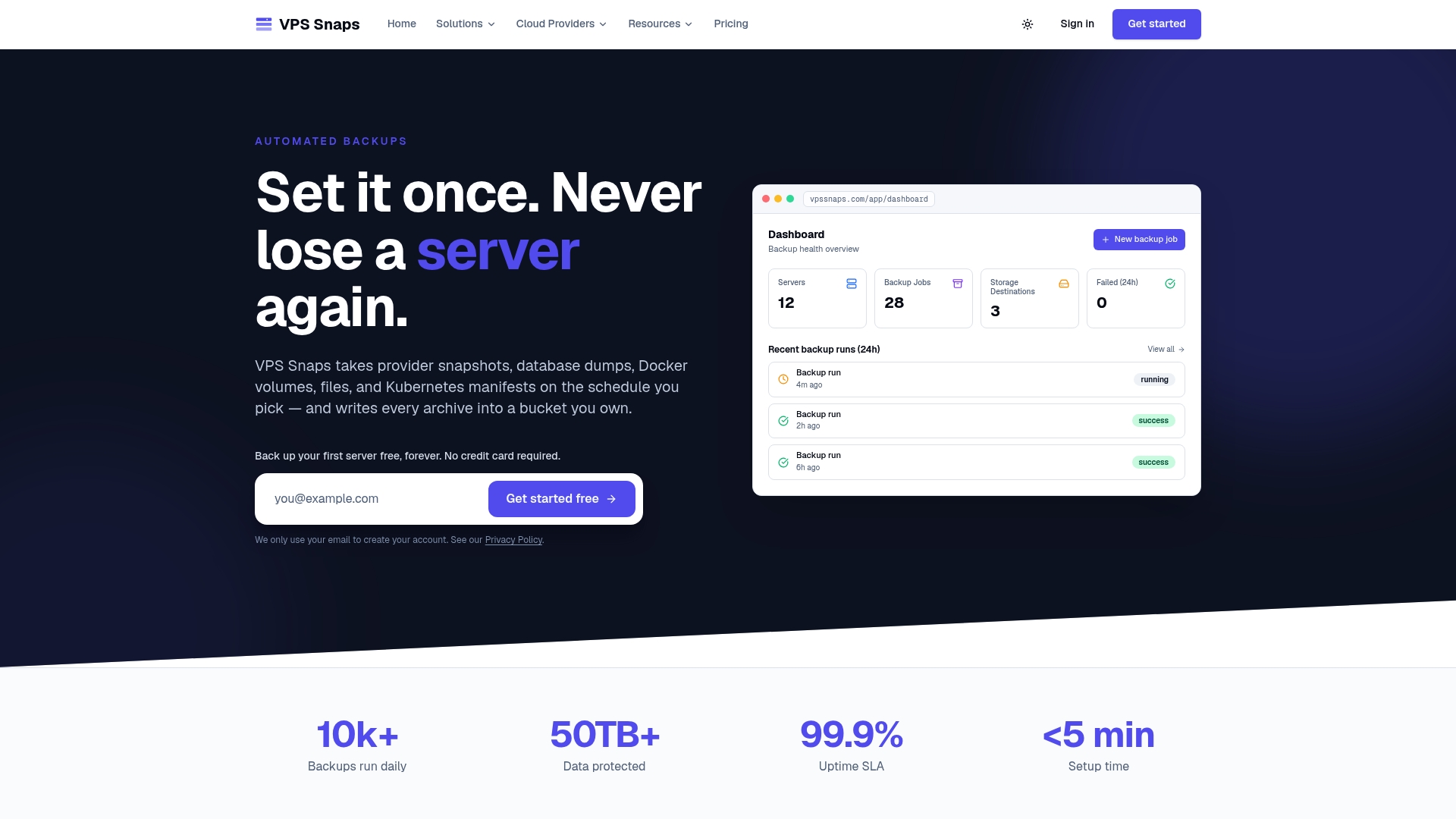
For a first drill, point one scheduled database backup at a scratch server and follow the steps above. The VPS Snaps homepage shows what each backup type covers.
FAQ
How do I check if a backup was successful?
Start with the run log: the job finished, data was written and no errors were raised. Then go further, because a successful job does not prove a usable restore. Restore it to an isolated target and compare counts, checksums or a known sample against a baseline.
What is the difference between backup recovery testing and database restore testing?
Backup recovery testing covers the whole path: reaching the backup, decrypting it, restoring it and bringing the service back. Database restore testing is the data-focused part: structure, row counts, recent records and application queries against the restored copy. Run both, since a good dump can still sit behind a broken recovery path.
How long should a restore test take?
It should take as long as the real recovery would, and you should record it. Measure from the moment recovery starts to the moment the service is usable, then compare that with your RTO. A small database or a few files may take under an hour. A full-system drill, such as the four to eight hours Risk Publishing plans for partial restores, takes longer.
Can I test on production to save time?
No. Restore into a scratch VM or separate database instance with its own credentials and a network boundary that blocks writes to production. Also disable email, scheduled jobs and payment or SMS integrations on the copy so the test has no side effects.
Sources
- Backup and restore testing, Sted docs
- How to design a database backup verification process, MyDBOps
- How to Test a Backup Restore: Step-by-Step Guide, Grey Wing
- How to Test That Your Backups Actually Restore, Vincent Schmalbach
- Backup restore drills: a runbook, Skyline Engineering
- System Backup: Testing for Reliability and Integrity, Daydream
- Ultimate Guide to Backup Automation in Healthcare, Censinet
- Backup Testing Checklist, IT KORR
- Disaster Recovery Plan Template, Risk Publishing
- 10-step guide for testing a backup and recovery plan, TechTarget
- Measuring recovery against RTO and RPO, Vicedomini Softworks
- AWS environments explained, Cloudwise
- Software release checklist, Odesa