RPO vs RTO for IT and Continuity Planners: Copyable Tiering Templates
RPO vs RTO for IT and Continuity Planners: Copyable Tiering Templates

RTO is the maximum amount of downtime your business can tolerate before a disruption causes unacceptable harm. RPO is the maximum amount of data you can afford to lose, measured as time since the last good backup. They are independent decisions, both set through a business impact analysis, and most teams apply them through application tiering rather than a single blanket target.
TL;DR:
- Critical systems like payment processing require an RPO of seconds to minutes and an RTO under an hour, driving higher costs.
- Setting recovery targets must be based on detailed business impact analysis, with clear sign-off from business owners for proper budget allocation.
- Backup frequency should align precisely with the RPO, and restore procedures must be regularly tested to ensure recovery times meet the RTO.
- Tight RPO and RTO often involve increased infrastructure costs, such as synchronous replication or active-active configurations, which are only feasible for Tier 0 systems.
- Targets should be revisited whenever system roles change, and dependencies must be documented to avoid bottlenecks during actual recovery.
Table of Contents
- Definitions and standards: RTO, RPO, and related recovery metrics
- RPO vs RTO: how they diverge in real recovery scenarios
- How to set RTO and RPO: run a BIA, tier applications, align stakeholders
- Examples and target ranges for common workloads
- Architecture and cost trade-offs for tight recovery targets
- Turning RTO and RPO into backup schedules and runbooks
- What I’ve learned watching teams miss their own targets
- When an automated, S3-compatible backup service fits your plan
- FAQ
- Sources
Definitions and standards: RTO, RPO, and related recovery metrics
The National Institute of Standards and Technology defines recovery time objective as the maximum acceptable time to restore operations after a disruptive event. Its companion metric, recovery point objective, measures the maximum tolerable data loss, expressed as time since the last recoverable point rather than a volume of data. Both are time units, anywhere from seconds to several days, and both get set per workload rather than once for the whole organization.
A few distinctions matter once you start applying these terms:
- RTO looks forward: it counts from the moment of failure to the moment service is restored.
- RPO looks backward: it counts from the moment of failure to the last point your data was captured.
- Zero RTO means failover happens with no perceptible outage, which usually requires active standby infrastructure already running.
- Zero RPO means no data loss is acceptable at all, which requires synchronous replication to a second location.
- MTTR (mean time to repair) is a different thing entirely: an average historical repair duration, not a target you set in advance.
Mixing up RTO, RPO, and MTTR is common. MTTR describes what usually happens; RTO and RPO describe what you have decided must happen.
RPO vs RTO: how they diverge in real recovery scenarios
Picture an outage on a timeline. RPO is the gap behind the incident, how far back you have to reach to find clean data. RTO is the gap ahead of the incident, how long until the service answers requests again. These two gaps do not have to match, and in most real systems they don’t.
- A transactional database behind a checkout flow often needs a tight RPO (seconds to minutes) and a tight RTO (minutes), since both lost orders and prolonged downtime cost revenue directly.
- An analytics warehouse rebuilt nightly can tolerate a looser RPO (hours) and a looser RTO (a day or more), since stale reports are an inconvenience, not a crisis.
- A content management system might have a short RTO, because visitors expect the site up fast, but a longer RPO, because losing an hour of draft edits is tolerable.
Can RTO be greater than RPO? Yes, constantly. A backup taken every 15 minutes gives you a 15-minute RPO even if restoring that backup to a working server takes four hours, a four-hour RTO. The two numbers answer different questions and are sized independently.
How to set RTO and RPO: run a BIA, tier applications, align stakeholders
Recovery targets are business decisions, not engineering guesses. NIST’s guidance on business impact analysis frames BIA as the process that should drive RTO and RPO on an application-by-application basis, giving leadership the evidence needed to sign off on each target.
- List every application and data store, then identify its owner and its dependencies.
- Quantify the impact of downtime for each one: revenue per hour, contractual SLA penalties, and any regulatory exposure.
- Quantify the impact of data loss separately: what does losing the last hour, day, or week of data actually cost or break.
- Assign a tier: Tier 0 for systems that cannot go down (payment processing, core authentication), Tier 1 for important but not instantly catastrophic systems (customer support tools, internal dashboards), Tier 2 for everything else (archives, internal wikis, test environments).
- Draft RTO and RPO per tier, not per server, so similar systems get consistent treatment.
- Get written sign-off from the business owner, since a tighter target usually means a bigger budget line.
- Revisit targets whenever a system’s role changes, such as when a reporting tool starts feeding a customer-facing feature.
Pro Tip: Tie every tier to a named business owner who signs off on the target, not just an IT lead, so budget conversations happen before an outage instead of during one.
Examples and target ranges for common workloads
Real numbers vary by industry, but practical examples from infrastructure teams show a consistent pattern: criticality drives tightness, and tightness drives cost.
- Mission-critical transactional systems (payments, order processing): RPO in seconds to a few minutes, RTO under an hour.
- Mid-tier business applications (CRM, internal tools): RPO of a few hours, RTO of several hours to a day.
- Archival and analytics systems: RPO of a day, RTO of a day or more, since the data is reconstructable or simply less time-sensitive.
Targets shift when dependencies change. A system that looks low-risk on its own can inherit a strict RTO if a Tier 0 application calls it through an API. Document those links in the BIA so a downstream system doesn’t quietly become a bottleneck during a real recovery.
Architecture and cost trade-offs for tight recovery targets
Meeting a strict RPO or RTO is a design decision with a cost curve, not a switch you flip. Asynchronous replication and scheduled snapshots are cheaper but leave a gap equal to the interval between copies; synchronous replication closes that gap to near zero but demands low-latency links between sites and constant compute capacity on standby.
- Snapshot cadence sets your RPO floor: a six-hour snapshot schedule cannot promise a 30-minute RPO no matter how fast the restore runs.
- Active-active or multi-region designs cut RTO toward zero but roughly double infrastructure and operational overhead, since every region needs monitoring, patching, and failover testing.
- Near-zero recovery objectives raise cost and complexity non-linearly, which is why most organizations reserve them for a small number of Tier 0 systems rather than applying them everywhere.
Testing is not optional at any tier. AWS Well-Architected guidance recommends measuring actual Recovery Time Capability and Recovery Point Capability against your targets during table-top and full-scale drills, then either closing the gap in the design or getting business sign-off to adjust the target.
Pro Tip: Run a full restore test on a schedule, not just a backup verification: a backup that completes successfully tells you nothing about how long the restore will actually take.

Turning RTO and RPO into backup schedules and runbooks
Once targets are set, the work becomes operational. AWS guidance on establishing recovery targets for cloud applications recommends asking targeted questions per application, then mapping the answer to a concrete backup or replication design rather than a generic policy.
- Set backup or replication frequency to match RPO: a two-hour RPO needs backups at least every two hours, not once daily.
- Build and rehearse the restore runbook to match RTO: document every step, assign an owner, and time it end to end.
- Automate retention and alerting so a failed backup job surfaces immediately instead of at restore time.
- Schedule restore tests on a recurring cadence, quarterly at minimum for Tier 0 and Tier 1 systems.
- Keep on-call coverage aligned with RTO, since a one-hour RTO is meaningless if the first responder takes 45 minutes to notice the alert.
Automated, provider-API snapshots that write into a bucket you control remove a lot of the manual scripting that otherwise eats into your RTO during a real incident.
What I’ve learned watching teams miss their own targets
The most common mistake is setting every system to “zero RPO, zero RTO” because it sounds safest, then never testing whether the backups behind that promise actually restore. A quarterly restore test catches more real failures than any amount of additional tooling. Tiering honestly, automating snapshots, and rehearsing restores are the three changes that pay off fastest, usually within a single quarter.
— Scott
When an automated, S3-compatible backup service fits your plan
Hitting your RPO targets depends on backups that actually run on schedule and restore cleanly, and that’s the specific gap we built VPS Snaps to close. Our platform uses each provider’s own API to take scheduled snapshots, whether that’s an EC2 instance, an Azure managed disk, or a Kubernetes volume, and streams the result straight into a bucket you own, so a restore never depends on us staying in business.
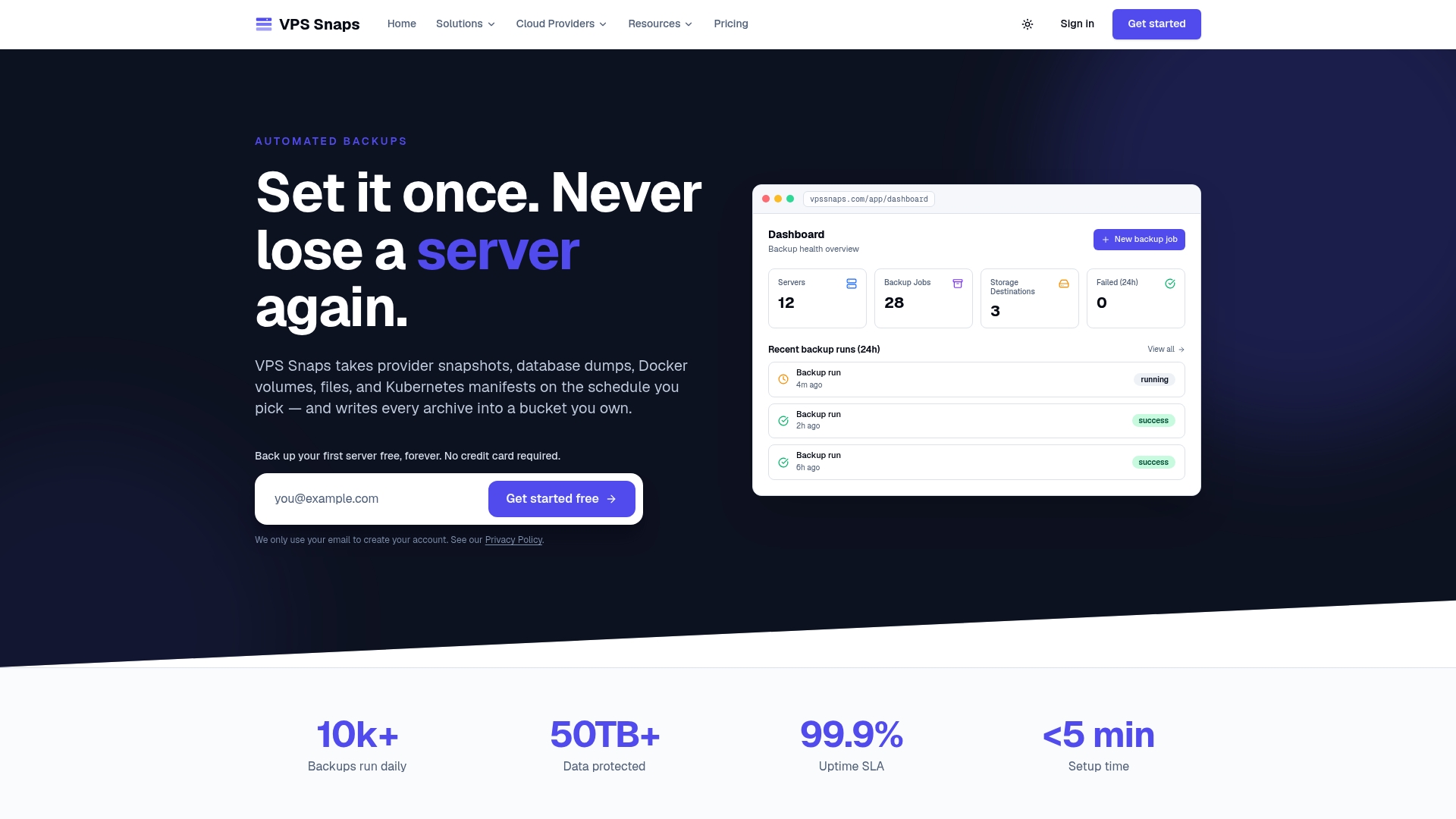
Many backup solutions generate run logs so a missed backup shows up as an alert instead of a surprise during an incident, and keep credentials encrypted rather than stored in plaintext scripts on servers. If you’re currently stitching together cron jobs and provider CLIs to hit your RPO, our pricing page lays out plans from $10 a month for teams ready to replace that with something that runs itself.
FAQ
What is RPO and RTO with examples?
RPO is the maximum data loss you can tolerate, such as a 15-minute RPO meaning you can lose at most 15 minutes of transactions. RTO is the maximum downtime you can tolerate, such as a 1-hour RTO meaning the application must be back up within an hour of failing.
Can RTO be greater than RPO?
Yes, and it often is. A system backed up every 15 minutes has a 15-minute RPO, but if restoring and validating that backup takes several hours, the RTO is several hours, a larger number measured in a different direction.
What is a reasonable RTO?
A reasonable RTO depends entirely on the workload’s criticality, which is why business impact analysis is used to set it per application rather than company-wide. Mission-critical transactional systems often target under an hour, while archival or internal systems may reasonably tolerate a day or more.
What is RPO in disaster recovery?
RPO in disaster recovery is the maximum amount of data, measured in time, that an organization can afford to lose when a system fails. It is set by working backward from the business cost of lost data, then matched to a backup or replication frequency that can actually deliver it.
Sources
For deeper guidance, see NIST’s recovery metric definitions, AWS’s cloud target-setting framework, and Ready.gov’s business continuity planning templates, linked throughout this article.
- Recovery time objective (RTO) — NIST Computer Security Resource Center
- NIST releases IR 8286D — Using business impact analysis to inform risk
- Establishing RPO and RTO targets for cloud applications — AWS
- RPO vs RTO: Key differences explained with examples — TechTarget