MySQL Backup Automation in Production: 4 Schedulers, Copyable Commands
MySQL Backup Automation in Production: 4 Schedulers, Copyable Commands

For most production MySQL servers, automate physical or snapshot backups and verify restores on a schedule; reserve logical dumps with mysqldump for small databases or when you need portable, editable SQL. Schedule the job with cron, a systemd timer, Windows Task Scheduler, or a provider snapshot API, and treat retention and restore testing as part of the automation, not an afterthought.
TL;DR:
- Use physical backups such as XtraBackup for large production databases; reserve mysqldump for smaller databases or when portable, editable SQL matters more than restore speed.
- Provider snapshots are fast, but flush tables or pause writes unless storage supports atomic snapshots; store copies in a bucket you control.
- Restore each backup to a staging host regularly, check expected data, and send failure alerts to Slack or email.
- For large databases, combine weekly full physical backups, daily incrementals, and binary logs, then apply every increment in order during recovery.
- Retain full physical backups for 7 to 14 days, and keep weekly or monthly archives in cold storage for at least 90 days.
Table of Contents
- MySQL backup types and when to choose each
- Automation methods: schedulers and provider APIs
- Tool-specific automation recipes and commands
- Scheduling examples and retention rotation scripts
- Verification, monitoring, and alerts
- Incremental backups and binary logs for point-in-time recovery
- Backup storage destinations, encryption, and security
- Compact best-practices checklist to validate an automation setup
- Author perspective from VPS Snaps: trade-offs we see in deploys
- VPS Snaps: an option to automate MySQL backups
- FAQ
- Sources
MySQL backup types and when to choose each
Logical backups export your data as SQL statements or structured files. Tools like mysqldump and MySQL Shell’s dump utilities fall into this category: they are portable, human-readable, and easy to edit, but slower to restore because the server has to replay every statement. Physical backups, created by Percona XtraBackup or MySQL Enterprise Backup’s mysqlbackup, copy the actual data files, which makes both backup and restore dramatically faster on large datasets.
Full backups capture everything every time. Incremental backups capture only the pages that changed since the last backup (full or incremental), which keeps nightly jobs fast and storage lean, but adds restore steps since you must apply each increment in order. Differential backups sit in between, capturing all changes since the last full backup, trading some storage efficiency for a simpler two-step restore.
- Small sites and dev or staging databases: mysqldump or MySQL Shell, run nightly, with easy portability between servers.
- Large OLTP databases with tight recovery windows: XtraBackup or mysqlbackup, full weekly plus daily incrementals.
- Clusters or multi-terabyte datasets: physical backups paired with binary logs for point-in-time recovery, since logical dumps become impractical at that scale.
Automation methods: schedulers and provider APIs
Picking the right scheduler depends on your operating system and how much consistency control you need at backup time.
- Cron is the default choice on Linux: a single line in crontab runs your backup script on a fixed schedule, and it is reliable as long as the host stays up and the script itself handles failures.
- Systemd timers offer the same scheduling with better logging through journalctl, built-in handling of missed runs after a reboot, and dependency management if your backup needs another service to be running first.
- Windows Task Scheduler covers the same role on Windows hosts running MySQL, letting you trigger a batch file or PowerShell script that calls mysqldump.exe or a backup utility on a timer.
- Provider snapshot APIs, offered by most cloud hosts, create block-level or disk-level snapshots outside the database engine; they are fast and simple to automate via API calls, but you need to flush tables or briefly pause writes to guarantee a consistent snapshot unless your storage layer supports atomic snapshots.
The appeal of provider snapshots is less about the mechanism and more about where the output lives. When snapshot artifacts are stored in buckets you own rather than staged somewhere a vendor controls, you keep direct access to your own recovery path, which matters if a vendor relationship ends or an account gets locked. For logical and physical database backups specifically, our cron scheduling guide covers timer syntax for both approaches in more depth.
Tool-specific automation recipes and commands
Each backup tool has its own flags worth knowing before you put it on a schedule.
- mysqldump: use
mysqldump --single-transaction --quick --routines --triggers dbname > backup.sql. The MySQL Reference Manual notes that--single-transactiongives InnoDB tables a consistent snapshot without locking, and--quickavoids buffering large tables in memory. Add--master-data=2if you plan to replay binary logs afterward for point-in-time recovery. - MySQL Shell:
util.dumpInstance()andutil.dumpSchemas()support parallel threads and streaming output, which cuts dump time substantially on multi-core hosts compared to single-threaded mysqldump. - Percona XtraBackup: run a full backup with
xtrabackup --backup --target-dir=/backups/full, then prepare it withxtrabackup --prepare --apply-log-only --target-dir=/backups/fullbefore applying any increments. - mysqlbackup (MySQL Enterprise Backup):
mysqlbackup --backup-dir=/backups/$(date +%F) backup-and-apply-logproduces a ready-to-restore physical copy in one step.
A cron entry for the mysqldump example above might read 0 2 * * * /usr/bin/mysqldump --single-transaction --quick dbname | gzip > /backups/dbname-$(date +\%F).sql.gz. Our mysqldump automation guide walks through compression and rotation on top of this pattern.
Pro Tip: Always test the exact restore command before you trust a backup script in production, not just the backup command.
Scheduling examples and retention rotation scripts
A workable schedule combines frequency with a rotation script so disks don’t fill up.
- Hourly logical dumps via cron:
0 * * * * /scripts/mysql-hourly-backup.sh, kept only for the current day. - Nightly full physical backup via XtraBackup, triggered at low-traffic hours, retained for the last 7 to 14 days.
- Weekly or monthly archive copies moved to cold storage for longer retention, often 90 days or more depending on compliance needs.
A systemd timer equivalent pairs a .timer unit with OnCalendar=daily and a .service unit that calls your backup script, giving you journal-based logs of every run automatically.
For retention, a simple pattern that avoids both bloat and accidental data loss is to keep every hourly backup from today, the last several daily snapshots, and a handful of weekly or monthly snapshots further back. Scripts that delete anything older than a fixed day count work well as long as the deletion logic runs after a successful backup confirmation, never before.

If you rely on binary logs for point-in-time recovery, purge them only after confirming they’re no longer needed by any pending backup or replica, since purging too early breaks your recovery chain. Our retention policy guide covers how to size retention windows against your recovery objectives.
Pro Tip: Never let your rotation script run before the backup job confirms success; a failed backup followed by a rotation deletes your last good copy.
Verification, monitoring, and alerts
A backup you haven’t tested is a guess, not a safety net.
- Run automated checks after each backup: confirm the file exists, check its size against a reasonable baseline, and verify checksums where your tool supports them.
- Schedule a full test restore to a staging host on a recurring basis, not just when something breaks.
- Forward run logs and failure notifications to Slack or email so a silent failure doesn’t go unnoticed for days.
- Use a restricted database account for backups, with only the privileges the backup tool needs, and keep logs long enough to support an audit.
A backup that is automated but never restored is still an unverified process. The MySQL Reference Manual’s example backup strategy treats documented, tested restore procedures as part of the backup policy itself, not a separate task. Our backup failure alerting guide covers setting up Slack and email notifications for failed runs.
Incremental backups and binary logs for point-in-time recovery
Incremental backups and binary logs work together to shrink your recovery window without the overhead of running full backups constantly.
- With Percona XtraBackup, create an incremental backup against a prior full backup, then prepare the chain in order: apply
--apply-log-onlyto the full backup and every intermediate increment, and omit that flag only on the final increment in the chain, as the Percona XtraBackup documentation specifies. - Enable binary logging on your MySQL instance so you can replay transactions that happened after your last full or incremental backup, restoring to a specific point in time rather than just the last snapshot.
- Combine a logical dump taken with
--master-dataor a physical backup’s recorded binlog position with binary log replay to reach any point between backups. - Test the full incremental restore chain periodically; an untested chain with a missing or misapplied increment will fail silently at restore time. Our binary log PITR guide covers binlog retention and replay syntax.
Backup storage destinations, encryption, and security
Where backups live matters as much as how often they run.
- Store backups offsite in S3-compatible buckets or your cloud provider’s object storage, never only on the same host you’re protecting.
- Encrypt archive files with GPG or age before they leave the server, and keep any backup credentials encrypted at rest.
- Limit who and what can access backup artifacts, and document who owns the restore process so a failure at 2 AM has a clear first call.
Our guide to encrypting backups with GPG and age covers key management for this step in more detail.
Compact best-practices checklist to validate an automation setup
Run through this list against your current setup before calling it production-ready.
- Backup frequency matches your recovery point objective, and restore time matches your recovery time objective.
- Retention policy is documented and enforced by the rotation script, not manual cleanup.
- Verification and test restores happen on a fixed cadence, not only after an incident.
- Alerts reach a real person through Slack or email when a backup job fails.
- The backup account uses least-privilege access, and credentials are stored encrypted.
| Checklist item | What good looks like |
|---|---|
| Frequency vs RPO/RTO | Backup interval and restore time both documented and tested |
| Retention | Automated rotation keeping hourly, daily, and weekly tiers |
| Verification | Scheduled test restores to a staging host |
| Alerting | Failure notifications sent to Slack or email automatically |
| Credential handling | Restricted backup account, encrypted credential storage |
Author perspective from VPS Snaps: trade-offs we see in deploys
Provider snapshots or XtraBackup paired with real verification cover most production needs; mysqldump alone rarely does at scale. We’d rather see a team run a simpler backup with a tested restore than a complex incremental chain nobody has checked in months. Watch your run logs closely: silence is not the same as success.
— Scott
VPS Snaps: an option to automate MySQL backups
We built VPS Snaps around the patterns above: provider snapshots, mysqldump, and XtraBackup support run on a schedule you set, with every credential stored encrypted and every run logged.
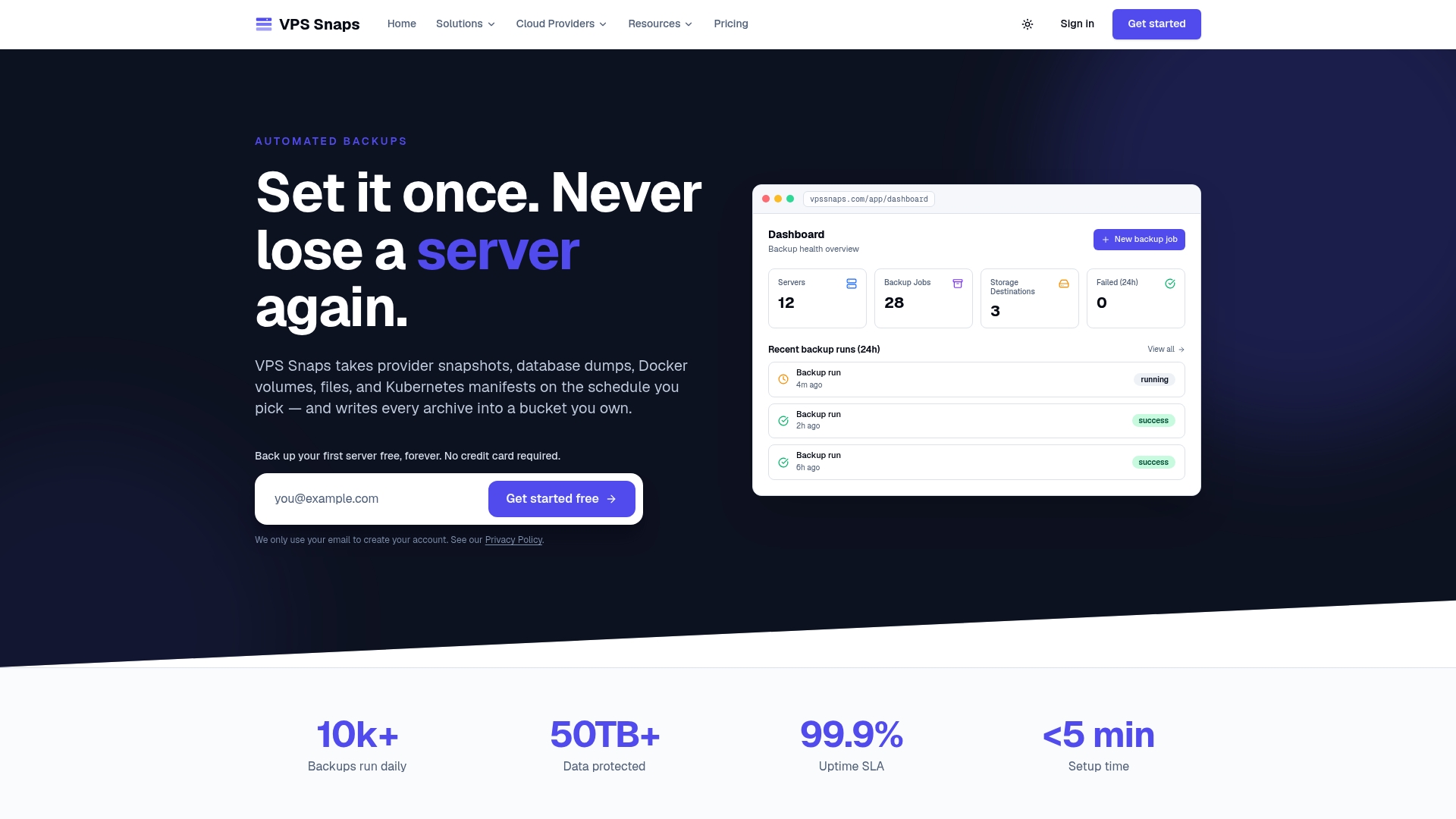
- We stream backup data directly into storage buckets you own, so artifacts stay under your control rather than staged on our systems.
- Run logs track every success, and failure alerts reach you automatically instead of leaving a gap you discover later.
- Automated retention management applies the rotation patterns covered above without a custom script to maintain.
| What we automate | How it maps to this playbook |
|---|---|
| Provider snapshots | Scheduled via API, stored in your own bucket |
| mysqldump and XtraBackup | Logical and physical backups on a timer |
| Encrypted credentials | Matches the security practices above |
| Run logs and alerts | Covers the verification and monitoring section |
Plans start at $10 per month on the Starter plan, with Standard, Pro, and Agency tiers available for larger fleets, and a Free plan to try the setup first. Check pricing and plan details to find the right fit for your server count.
FAQ
What is the safest way to automate MySQL backups?
For most production databases, schedule physical backups with Percona XtraBackup or provider snapshots, then verify every backup with a test restore on a recurring basis. Reserve mysqldump for smaller databases where portability matters more than restore speed, following the --single-transaction guidance in the MySQL Reference Manual.
How often should MySQL backups run?
Backup frequency should match your recovery point objective: many teams run hourly or daily backups for active databases and weekly full backups with daily incrementals for larger ones. The MySQL Reference Manual’s example backup strategy recommends building a documented schedule around these objectives rather than a default interval.
What is the difference between mysqldump and XtraBackup?
mysqldump produces a logical, editable SQL export that is portable but slower to restore on large databases, while XtraBackup copies the physical data files for faster backup and restore at scale. The Percona XtraBackup documentation also supports incremental backups, which mysqldump does not handle natively.
How do I test that my MySQL backups actually work?
Restore the backup to a separate staging host on a regular schedule and confirm the database starts and queries return expected data. A backup that has never been restored carries unverified risk no matter how reliably it was created, which is why the MySQL Reference Manual’s backup strategy guidance treats tested recovery as part of the policy itself.
Can I use provider snapshots instead of mysqldump or XtraBackup?
Provider snapshots work well for full-server backups and can include your MySQL data files, but you need to flush tables or briefly pause writes to guarantee consistency unless your storage layer handles this automatically. Many teams combine snapshots with periodic logical dumps for easier single-table recovery alongside full-server restore coverage.
Sources
- MySQL 8.0 Reference Manual: Using mysqldump for Backups
- Percona XtraBackup: Create an incremental backup