EC2 Snapshot Automation: Schedules, Retention and Restores
EC2 Snapshot Automation: Schedules, Retention and Restores

The simplest way to automate EC2 snapshots is Amazon Data Lifecycle Manager (DLM). You tag your volumes or instances, create a lifecycle policy with a schedule and a retention rule, and AWS creates and deletes the snapshots for you. AWS Backup, the AWS CLI with Systems Manager, and third-party tools cover the cases DLM does not. This guide shows how to choose between them, how to set up a schedule and retention that fit your recovery needs, and how to make sure the snapshots restore when you need them.
TL;DR
- AWS does not back up your EBS volumes for you. You have to create snapshots regularly or set up automatic creation with DLM or AWS Backup.
- DLM is free to use, tag-driven and scriptless. AWS Backup suits teams that want one policy across EBS, RDS, DynamoDB and EFS.
- Pick retention from your recovery needs: a count (1 to 1000 snapshots) or an age (1 day to 100 years), per schedule.
- A snapshot is crash-consistent by default. For databases, use pre and post scripts, or VSS on Windows, to get application-consistent snapshots.
- A snapshot you have never restored is a guess. Schedule restore tests the same way you schedule the backups.
Table of Contents
- What you are automating
- Choose your automation method
- Set up an EC2 snapshot schedule with DLM
- EBS snapshot retention that matches your recovery needs
- Automate with the AWS CLI and Systems Manager
- Make snapshots consistent
- Monitor jobs and test restores
- Perspective: where snapshot automation breaks down
- Automate EC2 and other servers with VPS Snaps
- FAQ
- Sources
What you are automating
An EBS snapshot is a point-in-time, incremental backup of an EBS volume. After the first full copy, each snapshot stores only the blocks that changed since the previous one. You can restore a snapshot to a new EBS volume. AWS keeps the data in Amazon S3 buckets that you cannot see or browse, and replicates it across Availability Zones in the Region.
Two consequences follow. First, a snapshot is not a file you can download or copy with aws s3 cp. Everything goes through EC2 APIs. Second, there is no built-in schedule. If you launch an instance and never create a snapshot, you have no backup.
People also ask about the difference between a snapshot and an image. A snapshot covers one volume. An AMI is a launchable template that points at one or more snapshots, plus the launch configuration. If you want to rebuild a whole server from scratch, you want an AMI. If you want to roll back or clone a data disk, a snapshot is enough. DLM can manage both snapshots and EBS-backed AMIs.

Choose your automation method
There are four realistic routes. Which one fits depends on how many services you protect and how much control you want over the process.
| Method | Best for | What it automates | Watch out for |
|---|---|---|---|
| Amazon Data Lifecycle Manager | EBS volumes and EBS-backed AMIs in one account | Creation, retention and deletion, driven by tags | Cannot manage snapshots created by other means |
| AWS Backup | Central policies across EBS, EC2, RDS, DynamoDB and EFS | Scheduled backups and audit reporting | Cost is based on storage, restores and transfers |
| AWS CLI with cron or Systems Manager | One-off needs, custom logic, maintenance windows | Whatever you script | You own the error handling, logging and cleanup |
| Third-party automation | Teams backing up several clouds from one place | Schedules, retention and logs across providers | Evaluate where data lands and how you restore |
For a single AWS account with a handful of instances, DLM is usually the right starting point. DLM is an included, free feature of Amazon EC2 and Amazon EBS that needs no scripting. You still pay the normal snapshot storage rates, but not for the scheduler.
AWS Backup makes sense once compliance enters the picture and you need one place to define rules for databases, file systems and volumes together.
Set up an EC2 snapshot schedule with DLM
The console path is short. The steps below follow the AWS documentation for custom EBS snapshot policies.
- Tag what you want protected. Add a tag such as
backup=dailyto each volume or instance. The policy finds its targets by tag, so a new server with the tag is covered automatically. - Open the policy wizard. In the EC2 console, go to Elastic Block Store, then Lifecycle Manager, then Create lifecycle policy.
- Choose the policy type. Select EBS snapshot policy, then pick Volume or Instance as the resource type. Instance targets back up every volume attached to the instance together. Volume targets cover individual disks.
- Enter the target tags. Use the tag from step 1.
- Define the schedule. A policy supports up to four schedules, and Schedule 1 is mandatory. Frequency can be daily, weekly, monthly or yearly, or a custom cron expression.
- Set retention. See the next section.
- Assign an IAM role. The default role works for most accounts. Create a scoped role if your security team requires it.
Timing deserves a note. Schedules run on UTC. The first run starts within an hour after the scheduled time, so do not rely on a snapshot landing at a precise minute. If you need a snapshot immediately before a deployment, trigger one manually or through the CLI.
Quotas and what DLM leaves alone
There are limits to plan around. DLM allows 100 custom lifecycle policies per Region and one default policy for EBS snapshots per Region. It also manages only snapshots it created. Snapshots you made by hand or with a script stay in your account until you delete them yourself, which is a common source of surprise storage charges.
If you use a default policy, remember how it behaves. It only creates new backups for resources that lack a recent backup meeting its frequency. If another mechanism already produces backups, the default policy stays quiet.
Cross-account and cross-Region copies
A backup in the same account and Region as the original protects you from a bad deploy, not from a compromised account. DLM supports event-based policies that copy snapshots to separate accounts and encrypt them with a different KMS key. If you do not name a KMS key, copies use the default EBS encryption key in each destination Region. Name your key on purpose if the destination account must be able to decrypt.
EBS snapshot retention that matches your recovery needs
Retention is where most automation setups go wrong, either keeping everything forever or keeping too little to catch a slow-burning problem like silent data corruption.
DLM gives you two models. With archiving off, retention is count-based (1 to 1000 snapshots) or age-based (1 day to 100 years). Archived snapshots require at least 90 days of retention. Count-based retention is predictable: keep the last 14 daily snapshots and the policy deletes number 15. Age-based retention is easier to explain to an auditor.
A tiered setup using multiple schedules in one policy might look like this:
| Schedule | Frequency | Keep | Purpose |
|---|---|---|---|
| 1 | Daily | 7 snapshots | Undo yesterday’s mistake |
| 2 | Weekly | 4 snapshots | Catch problems noticed after a few days |
| 3 | Monthly | 12 snapshots | Month-end and audit needs |
That table is an example, not a standard. Work backward from two questions: how much data can you afford to lose (this sets frequency), and how far back might you need to look (this sets retention). Our guide on how long to keep backups walks through that reasoning.
Because snapshots are incremental, ten snapshots do not cost ten times one. Cost depends on how much data changes between them. A volume with heavy churn, such as a busy database, costs more to retain than a static file server. If you archive snapshots to a cheaper tier, do it only for data you are parking for months. Frequent restores from archive can erase the savings through retrieval fees. Check the current EBS snapshot pricing on the AWS pricing page for your Region before you size anything.

Automate with the AWS CLI and Systems Manager
Sometimes a tag-driven policy is more than you need, or you need a snapshot as one step of a larger workflow. The CLI covers both cases.
To snapshot a single volume, run aws ec2 create-snapshot --volume-id vol-.... To snapshot every volume on an instance in one call, run aws ec2 create-snapshots --instance-specification InstanceId=i-..., which creates crash-consistent, synchronized snapshots of all attached volumes. The CLI reference for create-snapshot lists every option, including tags you can apply at creation.
AWS Systems Manager adds scheduling without a cron host. The AWS-CreateSnapshot and AWS-CreateImage runbooks can run on demand or in a maintenance window, and you can grant them to users who lack permission for disruptive EC2 commands. That separation of duties is useful when an on-call engineer needs to take a snapshot but should not be able to terminate instances.
A script based on cron gives you flexibility, but you inherit the chores: pruning old snapshots, alerting on failure, and handling API throttling. If you go this route, tag every snapshot you create and delete by tag and age, so cleanup does not depend on remembering what the script did.
Make snapshots consistent
A snapshot captures the disk, not memory. If a database has writes in flight, the snapshot may contain a state that looks like a crash. Databases usually recover from that, but not always cleanly or quickly.
For multi-volume instances, create-snapshots produces snapshots that are consistent with each other. It supports up to 128 volumes per instance (the root volume plus 127 data volumes). If any one snapshot in the set fails, the others go to the error state and a CloudWatch event reports the failure. The brief I/O suspension during creation lasts from milliseconds to a few seconds, so AWS recommends off-peak times for latency-sensitive workloads.
For application consistency, DLM supports pre and post scripts in policies that target instances. Through Systems Manager, the pre script freezes and flushes I/O, the snapshot is taken, and the post script thaws I/O. On Windows, DLM uses VSS. Templates exist for MySQL and PostgreSQL. A few details from the AWS documentation on application-consistent snapshots:
- Snapshot creation is initiated within 60 minutes of the scheduled time.
- Post scripts run only if the pre script succeeds.
- Snapshots are guaranteed application-consistent only if the scripts successfully freeze, flush and thaw I/O.
- CloudWatch metrics and events report when scripts start, succeed or fail.
For Windows servers, AWS also documents VSS-based snapshots with a Systems Manager maintenance window task using the AWSEC2-VssInstallAndSnapshot document. For database backups that you can also read outside the volume, a logical dump to object storage is a useful second layer. Here is how to back up PostgreSQL and MySQL to S3 automatically.
Monitor jobs and test restores
An automated backup that fails silently is worse than a manual one, because you believe you are covered. DLM publishes metrics to CloudWatch, near real time, showing how many snapshots and AMIs policies create, delete and copy. You can set alarms to notify you when thresholds are met. At minimum, alarm when the count of created snapshots drops to zero over your expected interval.
Restoring an EBS volume follows a fixed sequence, described in the AWS backup and recovery guidance:
- Create a new volume from the snapshot in the same Availability Zone as the target instance.
- Stop the instance.
- Detach the old volume.
- Attach the new volume with the same device name.
- Start the instance.
The new volume loads data from S3 in the background, so you see higher latency on blocks not yet fetched. Plan for that when you restore a busy database, and do not judge performance in the first minutes.
If someone deletes a snapshot by mistake, the Recycle Bin lets you recover it with a single click or API call, and the recovered snapshot keeps its original description and status. Enable a retention rule for it before you need it.
AWS recommends regularly testing your restore process. Put a quarterly drill on the calendar: restore the latest snapshot to a fresh volume, mount it, and check that the application starts and the data is current. Timing matters too. Incidents often happen outside office hours, and IT support availability during weekends is worth thinking about when you decide who owns the restore and how fast they can act.
Perspective: where snapshot automation breaks down
In our experience, the snapshot call is the easy part. What causes pain is everything around it: scripts nobody remembers writing, retention rules that drift, credentials sitting in plain text, and no record of which night’s backup actually ran.
That is why we built VPS Snaps around three ideas. Backups should be driven by the provider’s own API, so the snapshot artifacts stay in your cloud account and you can restore them without us. Data we stream, such as database dumps, files, Docker volumes and Kubernetes manifests, should go straight into a bucket you own, not into a staging area we control. And every run should leave a log that shows what succeeded and alerts you to what failed.
If you run only EC2 in one AWS account, DLM does the core job well, and we would use it too. Once your estate spans several providers, or you want database dumps and application detection next to the snapshots, one tool with one set of logs and encrypted credential storage cuts down the number of moving parts you have to trust.
Scott
Automate EC2 and other servers with VPS Snaps
If you want scheduled provider snapshots, database dumps, Docker volume and file backups in one place, VPS Snaps connects to seven cloud providers, streams backup data into buckets you own, and handles retention automatically. Our AWS EC2 backup page covers scheduling AMIs, and the EC2 snapshot and AMI guide explains the concepts in more depth.
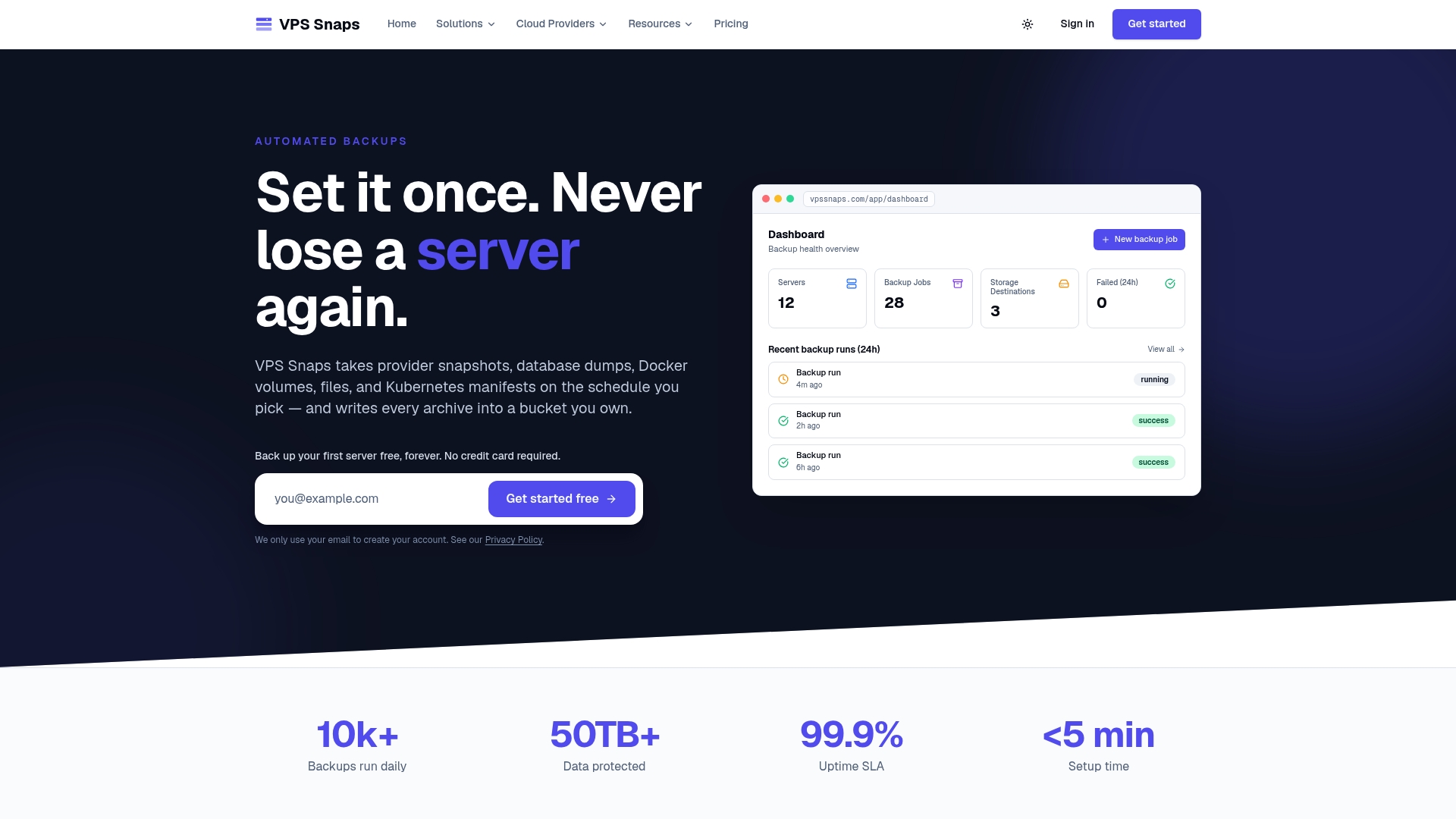
Plans start with a Free tier. Paid plans are Starter at $10 per month, Standard at $30, Pro at $57 and Agency at $117, with annual billing at $120, $360, $684 and $1,404 respectively. See the pricing page for what each plan includes.
FAQ
Where are EBS snapshots stored?
EBS snapshots are stored in Amazon S3 buckets managed by AWS, which you cannot access directly. The data is replicated across Availability Zones in the Region. You interact with snapshots only through EC2 and EBS tools, such as the console, the CLI or lifecycle policies.
What is the best EC2 snapshot scheduler?
For EBS volumes and AMIs in one AWS account, Data Lifecycle Manager is the natural choice because it is built into EC2 and tag-driven. For centralized rules across several AWS services, use AWS Backup. For several cloud providers at once, a multi-provider tool is easier to manage than separate scripts.
Does an EC2 snapshot back up the whole instance?
Not by itself. A snapshot covers an EBS volume. Using the instance as the target in a DLM policy or the create-snapshots command captures all attached volumes together. To launch an identical server, create an AMI, which references those snapshots.
How often should I snapshot, and how long should I keep them?
Set frequency by how much data loss you can tolerate, and retention by how far back you may need to recover. Many teams combine daily snapshots kept for a week or two with weekly and monthly ones for longer horizons. DLM supports up to four schedules in a single policy.
Sources
- Amazon EBS snapshots, Amazon EBS User Guide
- AWS Prescriptive Guidance: Backup and recovery approaches
- Automate backups with Amazon Data Lifecycle Manager
- Create a custom policy for EBS snapshots
- Amazon Data Lifecycle Manager product page
- AWS Storage Blog: Simple and comprehensive data protection with Amazon Data Lifecycle Manager
- How to Cost Optimize EBS Snapshots on AWS
- AWS CLI reference: create-snapshot
- Create multi-volume EBS snapshots from an EC2 instance
- AWS Storage Blog: Taking crash-consistent snapshots across multiple EBS volumes
- Automate application-consistent snapshots with Data Lifecycle Manager
- VSS-based EBS snapshots for Windows instances
- Amazon EBS Snapshots product page