3 Restore Tested Docker Volume Backup Methods for DevOps Teams
3 Restore Tested Docker Volume Backup Methods for DevOps Teams

Back up Docker volumes by mounting the named volume into a temporary container and writing an off-box archive to S3-compatible storage, or by using your provider’s atomic snapshot feature when one is available. For any database engine, skip raw file copies entirely and use a database-native dump or pg_basebackup, or include WAL files with a proper checkpoint. Automate the whole thing, check the archives for corruption, and run a real test restore on a schedule.
TL;DR:
- Back up Docker volumes mainly through mounting into temporary containers for files and snapshots, avoiding raw copies for databases.
- Use database-native tools like
pg_basebackuporpg_dumpto ensure consistency, especially when dealing with PostgreSQL, and include WAL files with checkpoints.- Automate backups, verify archive integrity by re-reading stored data, and run regular test restores to confirm recovery capability.
- Store container metadata, configurations, and secrets separately from data to prevent restore failures and ensure reproducibility.
- Prefer weekly test restores and automatic retention policies over manual backups, with encrypted credentials and logging to reduce human error.
Table of Contents
- What to back up: volumes, database dumps, and metadata
- Safe methods: mount-and-archive, provider snapshots, and streaming sidecars, and when to use each
- Automation, retention and verification: scheduling backups, integrity checks, and test restores
- Copy-paste recipes and example commands
- How an automated backup service maps to this workflow
- Author’s recommended baseline for production backups
- Try an automated Docker backup setup for your infrastructure
- FAQ
- Sources
What to back up: volumes, database dumps, and metadata
A Docker deployment has three separate things worth protecting, and conflating them is how restores fail at 2 AM. The container image is reproducible from your Dockerfile or registry, so it rarely needs backing up on its own. The named volume holds your actual state: uploaded files, database data directories, queue data. Container metadata, meaning your Compose file, environment variables, and any docker inspect output, tells you how to wire everything back together.
A tar of a volume captures bytes on disk at one instant. For a database, that instant can land mid-write, leaving you with a directory that looks complete but won’t start cleanly. PostgreSQL’s own documentation warns that file-system copies of a running database are crash-inconsistent and recommends pg_dump, pg_basebackup, or a consistent snapshot that includes WAL files and a checkpoint. A file-copy backup of a live database is a bet, not a backup.
Capture alongside your data:
- The
docker-compose.ymlor stack definition that recreates services and volume mounts. - Output from
docker inspecton containers that have nonstandard configuration. - A record of how secrets and environment variables are supplied, without storing plaintext secrets in the same archive.
Safe methods: mount-and-archive, provider snapshots, and streaming sidecars, and when to use each
Three approaches cover almost every production case, and the right one depends on your tolerance for downtime and the kind of data in the volume.
- Mount-and-archive with a temporary container. Docker’s documentation describes mounting a named volume into a short-lived container and running
taragainst it as a supported way to produce a portable backup. This works well for file stores, static assets, and any volume that isn’t actively being written during the backup window. It’s simple, scriptable, and needs no provider-specific API. - Provider or block-storage snapshots. Most cloud providers can snapshot an entire disk in seconds with near-zero downtime for the files themselves. The catch is databases: a snapshot taken mid-transaction is just a faster way to get a crash-inconsistent copy unless you include WAL files or issue a
CHECKPOINTfirst. When a database spans multiple volumes, you also need those snapshots taken simultaneously, since a database data directory and its WAL on separate disks that snapshot a few seconds apart can disagree with each other. - A sidecar or dedicated backup container. A small service that mounts the same volumes as your application, runs on a schedule, and streams encrypted archives to S3-compatible storage gives you automation and retention without touching the primary container’s uptime. This is the pattern most teams converge on once they move past manual tar commands.
The option to avoid is copying files out of a running database’s data directory with cp or rsync and calling it done. It looks like a backup and often restores into something that either won’t boot or silently drops recent transactions, which is worse than no backup because you won’t find out until you need it.
Pro Tip: If you can’t take your database offline for a backup window, use pg_basebackup or a logical dump instead of chasing a perfectly timed snapshot.
Automation, retention and verification: scheduling backups, integrity checks, and test restores
A backup you haven’t automated is a backup you’ll eventually forget to take. Cron on the host, a dedicated scheduler container, or a CI pipeline job can all trigger the same archive-and-upload script; the mechanism matters less than making it unattended and logged.
Retention needs a policy, not a growing pile of tarballs. Decide how many daily, weekly, and monthly archives you keep, and prune the rest automatically, the same way snapshot lifecycle rules work on most cloud providers.
Verification is the step most scripts skip, and it’s the one that matters most. Backup tooling like restic documents repository check modes, including a read-data mode that actually re-reads stored content to catch corruption that a simple file-listing check would miss. Build an equivalent check into your pipeline: after upload, read the archive back and confirm it extracts cleanly.

A backup you’ve never restored is a hypothesis, not a safeguard.
For the operational pipeline, capture:
- Run logs with timestamps, exit codes, and archive size for every backup job.
- Alerts on backup failure, integrity-check failure, or a missing scheduled snapshot.
- A documented test-restore procedure: which service, how often, and what “success” means (service starts, data reads back correctly, row counts match).
- A record of time-to-restore from your last drill, so you know your actual recovery time, not an assumed one.
Copy-paste recipes and example commands
These are the patterns to adapt directly rather than reinvent.
-
Tar a named volume using a temporary container, following the pattern Docker documents and that practitioner tutorials walk through step by step:
docker run --rm -v myvol:/data -v $(pwd):/backup busybox tar cvf /backup/myvol.tar /dataUpload
myvol.tarto your S3-compatible bucket with your CLI of choice (aws s3 cp,rclone copy, or similar) right after the tar completes. -
A backup sidecar in Compose that mounts the same volume and pushes to external storage on a schedule:
services: backup: image: your-backup-image volumes: - myvol:/data:ro environment: - S3_ENDPOINT=${S3_ENDPOINT} - S3_BUCKET=${S3_BUCKET} - S3_ACCESS_KEY=${S3_ACCESS_KEY} - S3_SECRET_KEY=${S3_SECRET_KEY} -
Restore: recreate the volume, extract the archive into it, and confirm permissions before starting the service:
docker volume create myvol
docker run --rm -v myvol:/data -v $(pwd):/backup busybox tar xvf /backup/myvol.tar -C /data
Pro Tip: Preserve numeric UID/GID during tar and untar, since a restored volume with mismatched ownership is a common cause of a service that starts but can’t read its own files.
Watch for device files and sockets inside a volume; tar handles regular files and directories reliably, but anything unusual deserves a quick check after restore rather than an assumption.
How an automated backup service maps to this workflow
Everything above can be hand-rolled with cron and shell scripts, and plenty of teams run it that way for years. We built our Docker volume backups around the same patterns, automated end to end: scheduled snapshots of named volumes, database dump scheduling for engines like Postgres, MySQL, and MongoDB through our database backups, and provider-native snapshot support across seven cloud providers.
What we add on top of the manual recipe:
- Encrypted credential handling, so provider API keys never sit in plaintext scripts on the host.
- Run logs for every job, with alerts when a backup fails or an expected snapshot never shows up.
- Streaming of all backup data into storage you own, rather than a proprietary store, so a restore doesn’t depend on our systems being available.
That last point matters for exactly the risk this article is built around: a backup you can’t verify or restore independently isn’t one you can trust under pressure.
Author’s recommended baseline for production backups
Our baseline: off-box archived volume exports for file data, database-native dumps for every database, and a weekly test restore of one sampled service. Prefer snapshots over dumps only when your recovery time objective is tight and the database supports WAL-inclusive snapshotting; otherwise dumps are simpler to verify. Hand an on-call engineer this checklist: confirm the last run log, confirm the integrity check passed, confirm the last test restore succeeded.
— Scott
Try an automated Docker backup setup for your infrastructure
Running the recipes above manually works until someone forgets a cron job or a script silently stops uploading, and that’s usually the moment a restore gets requested. We built our platform so the scheduling, the provider-native snapshots, and the streaming to your own S3-compatible bucket happen without a script to maintain.
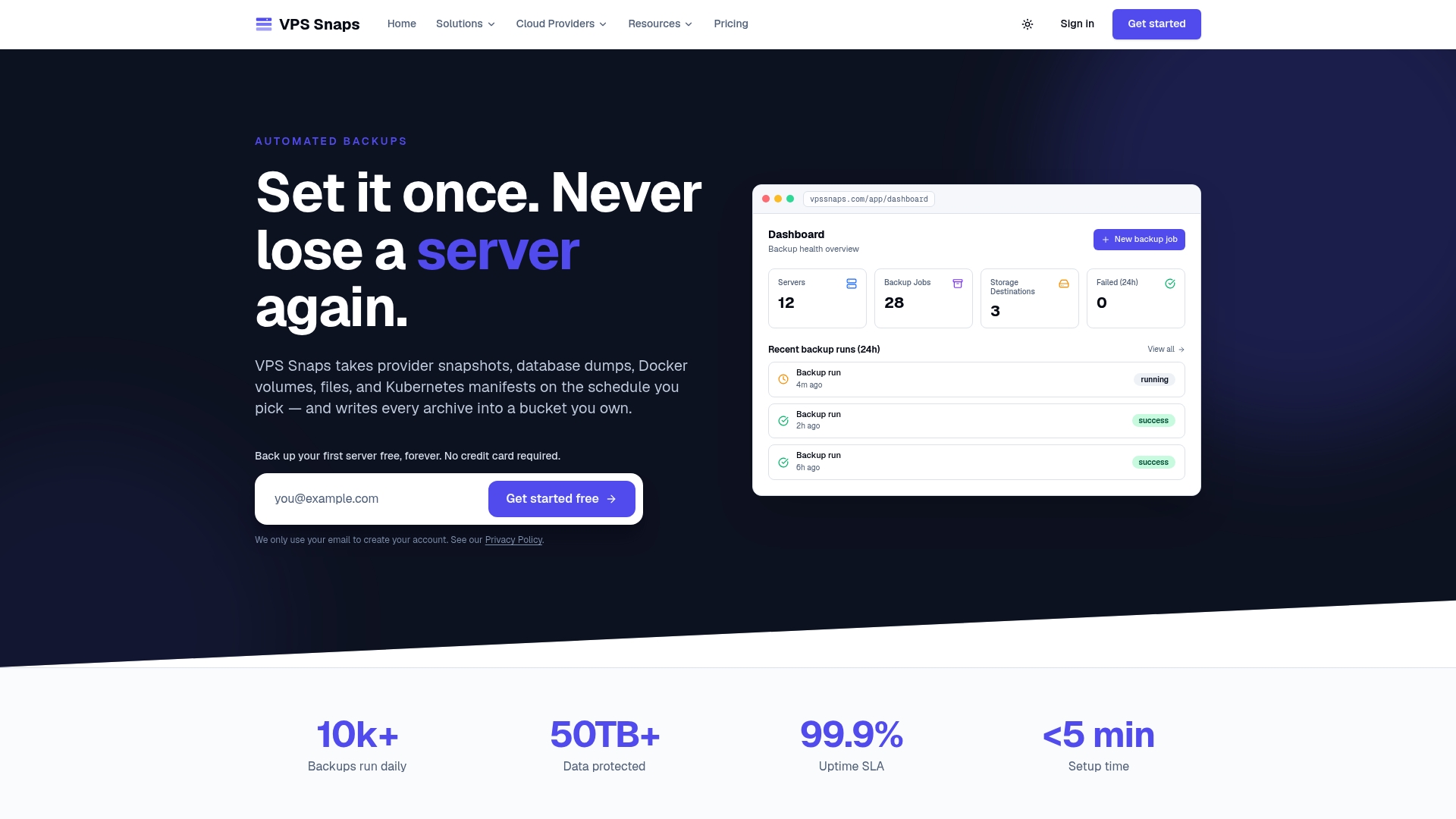
What you get with a VPS Snaps account:
- Scheduled Docker volume and database dump backups across seven cloud providers.
- Encrypted credential storage and run logs for every backup job, so failures surface immediately instead of during a restore.
- Backup data streamed into a bucket you own, so your restore path never depends on us staying online.
Compare plans on our pricing page, starting at $10 per month for Starter, with Standard, Pro, and Agency tiers available for teams managing more servers.
FAQ
What’s the safest way to back up a Docker volume with a database inside it?
Use a database-native tool like pg_dump or pg_basebackup rather than copying the volume’s files directly, since a live database’s files can be mid-write when you copy them. PostgreSQL’s documentation recommends this approach specifically because file-system copies of a running database are crash-inconsistent.
Can I use a provider snapshot instead of a database dump?
Yes, but only if the snapshot includes WAL files or you issue a checkpoint immediately before it, otherwise you risk a crash-inconsistent copy. pg_basebackup can produce a consistent base backup with WAL included, which is a more reliable pattern than a plain disk snapshot for most Postgres setups.
How do I back up a Docker named volume without stopping the container?
Mount the volume into a temporary container and run tar against it while the original container keeps running, which works for most non-database volumes. Docker’s own documentation describes this exact pattern as a supported way to archive volume contents.
How often should I test-restore a Docker backup?
A weekly test restore of at least one sampled service catches most silent failures before they matter, and every major release or migration window should include one as a matter of routine. Treating a restore test as a runbook step rather than an occasional exercise is what actually makes a backup trustworthy.
What’s the difference between a volume backup and a database dump?
A volume backup copies the raw files on disk, which is fast but risky for live databases, while a database dump uses the database engine’s own export format, which guarantees a consistent, restorable copy. Practitioner guides on backing up and restoring volumes show both patterns, and most production setups use file-based volume backups for application data alongside dumps for anything running a database engine.
Sources
- Docker documentation: volumes
- PostgreSQL documentation: file system level backup (v17)
- restic: troubleshooting and repo verification
- Docker volume backup and restoration — Baeldung