Back Up Postgres in Docker: Dumps, Offsite Copies, Restore Tests
Back Up Postgres in Docker: Dumps, Offsite Copies, Restore Tests

The reliable way to back up Postgres in Docker is a logical dump taken with pg_dump inside the container, copied off the host to storage you own, scheduled, and restored into a scratch container on a regular basis. A dump that sits on the same disk as the database, or that has never been restored, is a hope and not a backup. Below are the commands, the points where each step goes wrong, and when a dump stops being enough. We also show where VPS Snaps takes the scheduling, offsite copy and logging off your hands.
TL;DR
- Take dumps with
pg_dump -Fcthroughdocker compose exec -T. Do not copy the data directory of a running container. - Keep the copy somewhere other than the database host: an S3-compatible bucket you own, encrypted before it leaves.
- Automate it with retention and a log that tells you when a run fails. The classic failure is a cron job that quietly writes a 0-byte file.
- Restore into a throwaway container and check row counts and data freshness.
pg_restore -f /dev/nullcatches truncated files that--listmisses. - Past a few hundred gigabytes, or when you cannot lose recent writes, move to physical backups with WAL archiving.
Table of Contents
- What “backup” means for a Postgres container
- Step 1: Take a consistent dump from the container
- Step 2: Get the dump off the host
- Step 3: Schedule it, and make failure visible
- Step 4: Restore into a scratch container and verify
- Don’t forget roles and permissions
- Common mistakes at a glance
- When dumps are not enough
- Put the routine on a schedule you don’t maintain
- Our view on Postgres backups in Docker
- FAQ
- Sources
What “backup” means for a Postgres container
Three different things get called a Postgres backup in Docker, and they protect against different failures.

A logical dump is a file of SQL commands or an archive that recreates the database. PostgreSQL’s documentation describes pg_dump output as an internally consistent snapshot of the database at the moment the dump ran. It does not block other work, except operations that need exclusive locks, such as most forms of ALTER TABLE. Dumps are portable across Postgres major versions and CPU architectures, and they allow restoring a single table. That is why they are the right default for one Compose host running one Postgres container with a small to medium database.
A file-system copy of the data directory is a different tool. According to the PostgreSQL file-system backup documentation, a usable copy of a running cluster needs the server shut down, or an atomic frozen snapshot of the volume with the WAL files included. Copying individual table files does not work, because they are unusable without the commit-log files, so this approach only works for the entire cluster. Running tar over a live volume gives you a torn, inconsistent copy.
A physical backup with WAL archiving takes a base backup once and then streams the write-ahead log continuously. This is what lets you restore to a chosen minute. We come back to it near the end.
One point trips up many Docker users: a dump is not a copy of the Docker volume. It holds the database objects and data. If your recovery goal includes container configuration, Compose files or other volumes, those need their own backup process.
Step 1: Take a consistent dump from the container
For a Compose project with a service called postgres, this is the command to run:
docker compose exec -T postgres pg_dump -U "$POSTGRES_USER" -Fc --no-owner --no-acl "$POSTGRES_DB" > /opt/backups/app-$(date +%F).dump
What each part does, and where it goes wrong:
-Fcwrites the compressed custom format. It is whatpg_restoreexpects, and it lets you restore selectively. A plain SQL file is fine for small databases but cannot be restored table by table.-Tdisables the pseudo-terminal thatdocker compose execallocates by default. Without it, binary output can be corrupted when you redirect it to a file. With plaindocker exec, use-iand leave out-t.--no-owner --no-aclkeep the dump from failing on a fresh machine where the original roles do not exist. The trade-off is that ownership and grants are not recreated, so see the roles section below.- Credentials:
pg_dumpneeds read access to every table, which in practice for a full-database backup means a superuser, as the PostgreSQL docs note. Read the user from your environment rather than hard-coding it in the script.
This covers one database. pg_dump does not include cluster-wide roles or tablespaces, and the docs say pg_dumpall is the tool that backs up every database in the cluster plus those definitions. Restoring a pg_dumpall dump always requires superuser access. Each database inside a pg_dumpall run is consistent on its own, but the snapshots of different databases are not synchronized with each other.
A deeper walk-through of flags and formats is in our guide to backing up PostgreSQL with pg_dump and pg_restore. If your Postgres is one service among several in a Compose file, backing up a Docker Compose database covers the surrounding pieces.
Step 2: Get the dump off the host
A backup on the same disk as the database survives almost none of the failures that matter: disk loss, a deleted VM, a bad deploy that wipes the volume, ransomware on the host. The copy has to leave the machine.
Object storage with the S3 API is the usual destination, and the details decide whether it is safe:
- Use a bucket in your own account. You keep control of access policies, region and lifecycle rules, and you can read the files with any S3 client.
- Encrypt before upload. TLS protects the transfer, not the object sitting in the bucket.
pg_dumphas no built-in encryption, so pipe the output through GnuPG or age before it leaves the host. Our guide to encrypting backups with GPG and age shows the commands. - Store the key elsewhere. If the passphrase lives only on the server you are trying to recover from, the encrypted backups are gone along with it. Keep it in a password manager or secrets vault.
- Stream where you can. Piping the dump straight to the upload avoids leaving a plaintext copy on local disk.
- Think about deletion. Syncing a local folder to a bucket makes the remote match the local one, so a retention job that deletes old local files also deletes the offsite copies. Decide which side owns retention.
If you script this yourself, you are now maintaining a dump script, an encryption step, an upload step, credentials for the bucket, and a retention job. With VPS Snaps, backup data streams directly into the buckets you own, and bucket credentials are stored encrypted. Provider snapshots, database dumps and Docker volume backups run from one schedule, across the seven cloud providers we integrate with. For the S3 side in detail, see backing up PostgreSQL and MySQL to S3 automatically, and for protecting the bucket itself, how to protect backups from ransomware.
Step 3: Schedule it, and make failure visible
The minimum viable schedule is a cron entry. A daily dump at 2:00 a.m. looks like this:
0 2 * * * deploy /usr/local/bin/pgbackup >> /var/log/pgbackup.log 2>&1
Run it as the same user that runs your Docker commands, so permissions on the socket and the backup folder match. Then add retention. A common approach is deleting local files older than a set number of days with find ... -mtime +N -delete.
The weak spot of this setup is not the schedule but the silence. A script can fail in ways that look fine from outside:
- the dump truncates mid-write because the disk filled up
- cron produces a 0-byte file because the container name changed
- the schema drifts and the restore breaks later
- the source table was empty to begin with
None of these raises an alarm by itself. You need a check that the file exists, is non-trivial in size, and that someone is told when it is not. That means adding alerting to your script: email, a webhook, or a monitoring ping.
This is the part of the routine we built VPS Snaps to take over. Every run is written to a detailed run log that records successful operations and flags failures, and retention is managed automatically, so old backups are removed on the schedule you set instead of by a find command you have to remember. You configure it once for all your servers instead of keeping a script per host.
Step 4: Restore into a scratch container and verify
A backup you have not restored is an assumption. The drill is short, and it should run on a schedule, not after an incident.
- Start a throwaway Postgres container with the same major version as production, on a different name and port, never on top of production.
- Restore with errors treated as fatal:
docker run -d --name rt -e POSTGRES_PASSWORD=scratch postgres:16
docker exec -i rt pg_restore -U postgres --no-owner --no-acl --exit-on-error -d postgres < app.dump
- Verify the content, not the exit code. Milan Jovanović’s restore-drill guide recommends comparing table counts, running
count(*)against known data, runningANALYZE, and executing a representative application query. - Check freshness. Look at
max(created_at)on a table that grows constantly. A job that has been failing unnoticed for weeks can still produce a file with the right tables and plenty of rows, all of them old. - Remove the container. If a restore fails partway, do not rerun it into the same database, because tables that already loaded would load their rows a second time. Start a fresh container instead.
There is also a cheap integrity check for every backup file. The same guide shows that pg_restore --list reads only the archive’s table of contents, so a truncated file still lists successfully, while pg_restore -f /dev/null reads every section and fails on the damaged copy. Run the second one after each dump.
Our step-by-step backup restore test turns this into a checklist you can repeat. If a real database has already been damaged and you are working under pressure, this outline of the first steps when recovering a SQL database gives a DBA-oriented sequence to follow.
Don’t forget roles and permissions
Because --no-owner --no-acl strip ownership and grants, and pg_dump skips cluster-wide objects, a restored database can come up with no application role and missing permissions. pg_dumpall --globals-only exports roles and tablespaces separately. Take it on the same schedule as your dumps and store it next to them. The details, including how to restore roles before data, are in backing up PostgreSQL roles, users and permissions.
Common mistakes at a glance
| Mistake | What happens | Fix |
|---|---|---|
tar of the live data volume |
Torn, inconsistent copy that may not start | Use pg_dump, a frozen snapshot, or a proper base backup |
docker compose exec without -T |
Output can be corrupted when redirected | Always add -T in scripts and cron |
| Dump stored on the same host | Lost together with the database | Copy to a bucket you own |
| Unencrypted dump in a bucket | Anyone with bucket access reads your data | Encrypt before upload and keep the key elsewhere |
| Encryption passphrase only on the server | Backups cannot be decrypted after a host loss | Store it in a vault or password manager |
| Only checking that the file exists | Truncated or empty dumps pass | Run pg_restore -f /dev/null and a restore drill |
| Rerunning a failed restore in place | Rows load twice | Start a fresh container each attempt |
Forgetting pg_dumpall --globals-only |
Roles missing after restore | Export globals on the same schedule |
When dumps are not enough
A dump captures one moment. If you take it nightly, a failure at 11 p.m. costs you a day of writes. Move to physical backups with continuous WAL archiving when:
- recent writes cannot be lost
- a full restore takes longer than your recovery target
- long dumps on a write-heavy database cause bloat or load problems
The model is a base backup of the data directory plus a continuous stream of WAL segments. Recovery lays down the base backup and replays WAL up to a target time. Tools such as pgBackRest implement this, with parallel backup and restore, full, differential and incremental backups, integrity checks, and S3 repositories with encryption. Postgres 17 and later also supports incremental backups natively. For the planning side of recovery objectives and rollback, see this piece on rollback and recovery planning.
We cover the setup in pgBackRest backups for PostgreSQL, PostgreSQL point-in-time recovery and incremental backups with pg_basebackup. Most small and mid-size teams stay on dumps for a long time. Moving up is a decision about recovery targets, not about size alone.
Put the routine on a schedule you don’t maintain
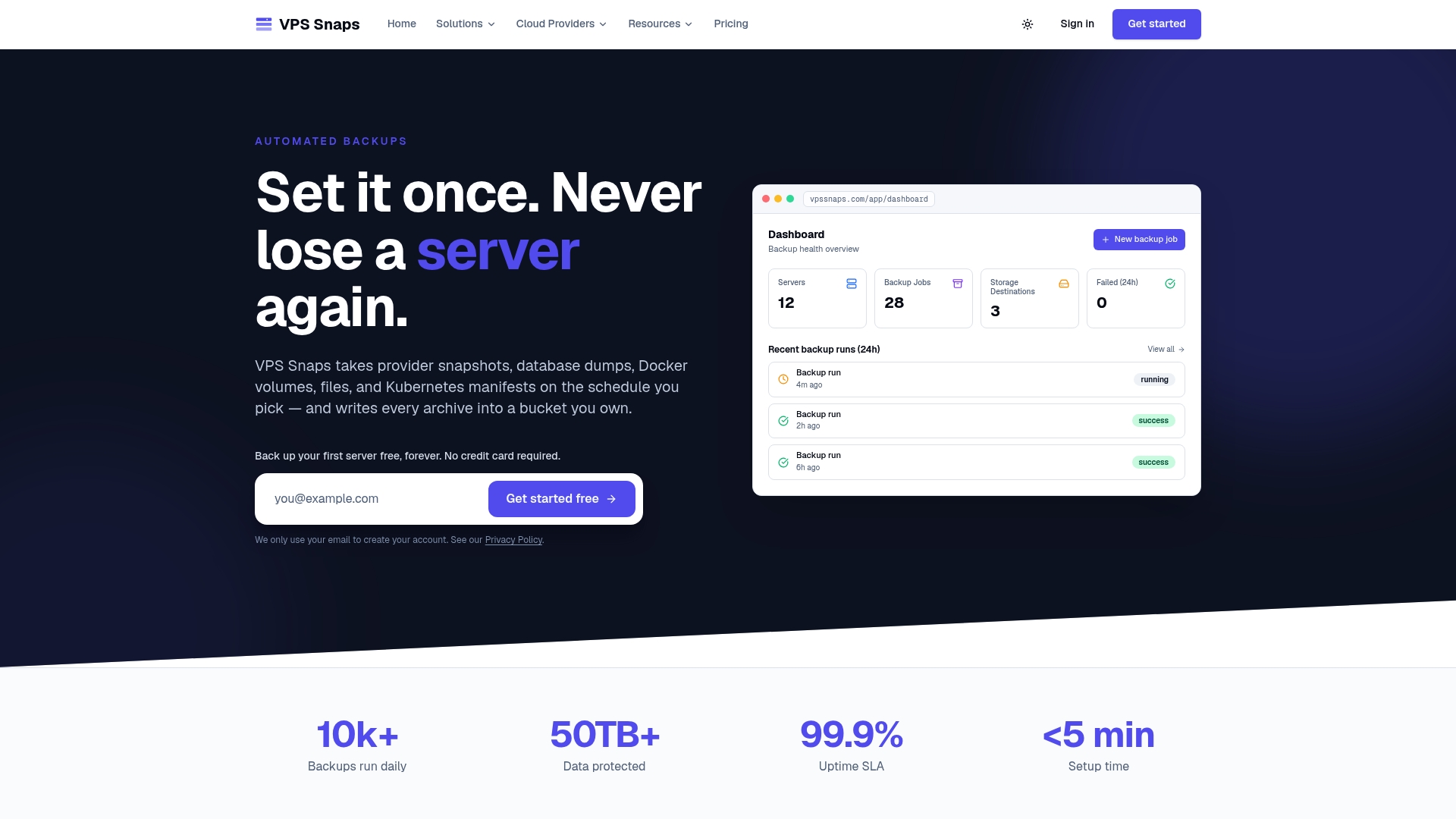
The routine above has five moving parts: dump, encrypt, upload, retain, verify. Each one is simple, and together they are what people end up babysitting. VPS Snaps is an automated, S3-compatible backup service for server environments. It runs scheduled database dumps and Docker volume backups, detects the applications on your server, and streams data into your own buckets. It also covers Kubernetes manifests and volumes, keeps encrypted credentials, manages retention, and writes run logs for every job.
Plans are listed on the pricing page: Free at $0 per month, Starter at $10 per month, Standard at $30, Pro at $57 and Agency at $117, or $120, $360, $684 and $1,404 per year for the paid tiers billed annually.
Our view on Postgres backups in Docker
Most backup failures we hear about are not failures of
pg_dump. They are failures of everything around it: a script nobody noticed had stopped, credentials sitting in a config file, a copy that lived on the same server as the data.That is why we designed VPS Snaps around the surrounding work. Backups stream straight to storage you own, so there is no staging area holding your data and no proprietary format between you and a restore. Snapshot artifacts stay in your provider account and can be restored without relying on us. Credentials are stored encrypted, and every run leaves a log entry, so a missed backup shows up as a failure and not as a surprise during an outage.
Our advice stays the same whatever tooling you use: keep a copy off the host, encrypt it, and restore it on a schedule. A backup you have restored once is worth more than ten you have only written.
Scott
FAQ
Can I just copy the Postgres Docker volume instead of using pg_dump?
Only if the copy is consistent. PostgreSQL’s documentation says a file-system backup of a running cluster needs the server stopped, or an atomic frozen snapshot that includes the WAL. A plain tar of a live volume can produce a copy that will not start. For most Compose setups, pg_dump is simpler and safer.
How often should I back up Postgres in Docker?
Match the schedule to how much data you can afford to lose. Daily is a common starting point for small databases, and hourly works if dumps finish quickly. If you cannot lose more than a few minutes of writes, use WAL archiving with point-in-time recovery instead of more frequent dumps.
Do I need pg_dumpall or pg_dump?
Use pg_dump for each application database. Add pg_dumpall --globals-only to capture roles and tablespaces, which pg_dump leaves out. Restoring a full pg_dumpall dump requires superuser access.
How do I know my backup actually works?
Restore it into a scratch container and check table counts, a known row count and the newest timestamp in a busy table. Run pg_restore -f /dev/null on every file as a quick integrity check. Repeat the full drill on a regular schedule.
Sources
- PostgreSQL documentation: SQL Dump
- PostgreSQL documentation: File System Level Backup
- How to Test a Postgres Backup With a Restore Drill
- Rollback and Recovery: A Practical Guide for Integration Leaders
- Prvih 60 minuta za oporavak SQL baze