Stop Ransomware: Automate Immutable Backups Across 7 Clouds for DevOps
Stop Ransomware: Automate Immutable Backups Across 7 Clouds for DevOps
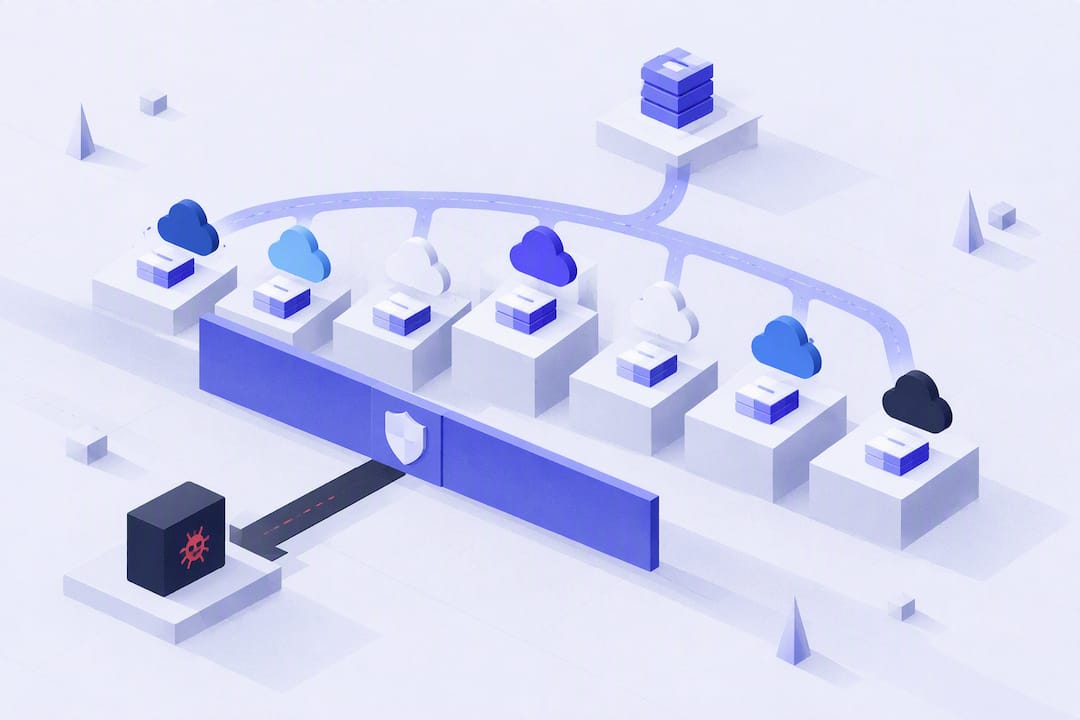
Immutable backups are write-once, read-many recovery points that no admin, script, or attacker can alter or delete until a set retention period expires. That single property is what separates a real recovery plan from a hopeful one: even if ransomware operators get root credentials, they can’t touch the locked copies. The tradeoff is storage cost and planning discipline, since locked data can’t be pruned early.
TL;DR:
- Immutable backups must be created with Object Lock enabled at bucket creation and use compliance mode for maximum ransomware protection, requiring careful planning.
- Storage providers like S3 and Azure enforce immutability at the storage layer, preventing deletion regardless of user permissions once the lock is active.
- Locking data for longer retention increases storage costs significantly, as locked copies cannot be pruned early and require budgeting for higher capacity.
- Testing backup immutability through deletion attempts immediately after setup and regular restore drills is essential to ensure recovery reliability.
- Automated backup solutions like Vpssnaps simplify implementation by directly streaming data into immutable storage, reducing scripting errors and audit gaps.
Table of Contents
- What Is an Immutable Backup, Exactly?
- How Is Immutability Actually Enforced?
- Why Immutable Backups Matter for Ransomware Resilience
- How to Implement Immutable Backups: A Practical Checklist
- Choosing an Architecture: Cloud Vaults, On-Prem WORM, or Air Gap
- How Do You Test That Immutable Backups Actually Work?
- Common Mistakes That Undermine Immutable Backups
- How Vpssnaps Fits an Immutable-Friendly Backup Workflow
- A Practitioner’s Take on Rollout Order
- Get Automated, Immutable-Ready Backups Without the Scripting Overhead
- Sources
- FAQ
What Is an Immutable Backup, Exactly?
An immutable backup is a recovery point locked against modification or deletion for a fixed retention window, enforced by the storage layer rather than by policy alone. That distinction matters more than most teams realize. A regular snapshot can be deleted by anyone with the right permissions, including an attacker who stole an admin token. A true immutable backup physically cannot be deleted, even by the account that created it, until the clock runs out.
The underlying concept goes back decades to WORM (write once, read many) storage, originally built for financial and legal record retention. Cloud object storage brought WORM into the backup world through retention locks, most commonly implemented as S3 Object Lock.
A few terms come up constantly once you start designing retention policies:
- Recovery point: a specific backup instance you can restore to, tied to a timestamp.
- Retention window: the fixed duration a backup stays locked before it can be pruned.
- Governance mode: a lock that can be overridden by users with special permissions.
- Compliance mode: a lock that cannot be overridden by anyone, including the root account, until retention expires.
- Vault lock: a platform-level setting (Azure’s term) that makes immutability permanent once applied.
The governance versus compliance distinction is the one engineers get wrong most often, and it’s the one that decides whether your backups survive a real ransomware incident.
How Is Immutability Actually Enforced?
Immutability lives at the storage layer, not in your backup software. A backup application can set a retention flag, but if the underlying storage target doesn’t support WORM, that flag means nothing once someone with sufficient access decides to delete the object. This is a storage property, not a software feature, and confusing the two is one of the most common architecture mistakes teams make.
S3 Object Lock is the most widely used implementation. It requires two things before it works: versioning enabled on the bucket, and Object Lock turned on at the moment the bucket is created. You generally cannot bolt Object Lock onto an existing bucket later, so bucket planning has to happen before you write a single file. Object Lock then offers two modes:
- Governance mode: prevents accidental deletion but can be bypassed by users holding the
s3:BypassGovernanceRetentionpermission. - Compliance mode: blocks deletion for every account, including the bucket owner, until the retention period ends.
Azure takes a slightly different approach with immutable vaults. You can enable immutability on a Recovery Services vault, and then lock it. That lock is irreversible once applied, and it restricts certain operations, including reducing retention, for as long as the vault exists.
Statistic Callout: Locked, WORM-protected data cannot be pruned early. Because immutability increases storage consumption by forcing macro-pruning instead of incremental cleanup, budgets need to account for higher capacity well before rollout, not after the first invoice arrives.
On-premises WORM appliances and tape libraries enforce the same principle at a hardware or firmware level, often through a proprietary file system that rejects delete commands outright regardless of what credentials issue them.
Why Immutable Backups Matter for Ransomware Resilience
Here’s the scenario that makes immutability worth the storage cost: an attacker compromises a domain admin account, pivots to your backup infrastructure, and tries to delete every recovery point before triggering encryption. Against governance-mode locks or standard permissions, that attack often succeeds. Against compliance mode, it can’t. The lock ignores the credential entirely.
That single capability reshapes several parts of your resilience posture:
- Ransomware recovery. Compliance-mode locked backups remain restorable even after full credential compromise, because deletion requests are rejected at the storage layer regardless of who issues them.
- Accidental and insider deletion. A misconfigured cleanup script or a disgruntled employee with valid access still can’t remove a locked recovery point before its retention date.
- Regulatory and audit requirements. Industries with retention mandates, financial services and healthcare among them, get forensic-grade proof that records weren’t altered after the fact.
- Layered resilience under 3-2-1-1-0. Immutable copies fill the “one” for offline or immutable storage in the 3-2-1-1-0 framework, sitting alongside your operational backups and offsite copy rather than replacing them.
How to Implement Immutable Backups: A Practical Checklist
Getting immutability right is mostly about sequencing. Do the steps out of order and you’ll either lock yourself out of legitimate operations or discover, mid-incident, that your “immutable” backups weren’t actually locked.
- Create a new S3 bucket with Object Lock enabled at creation, since enabling it after the fact generally isn’t possible.
- Confirm versioning is active, since Object Lock depends on it.
- Choose compliance mode for anything you need to survive a credential compromise; reserve governance mode for lower-stakes data where an authorized override is acceptable.
- Set retention windows in your backup software, then verify the storage target actually enforces them rather than trusting the configuration screen.
- Separate the credentials that create backups from the credentials that manage retention settings, mirroring patterns like Resource Guard so a single compromised account can’t touch both.
Retention math deserves its own line item in your budget planning. Because locked data can’t be pruned early, a 30 day retention window on daily backups means roughly 30 full retention cycles sitting in storage at once, not the trimmed-down set you’re used to with mutable backups.
Pro Tip: Run an immediate deletion test right after locking your first bucket, before you trust it with production data. Try to delete a locked object with your normal admin credentials. If it succeeds, your Object Lock configuration is wrong, and you want to find that out in a test, not during an incident.

Validation doesn’t stop at day one. Schedule recurring restore drills, and treat every unverified backup as a backup you don’t actually have.
Choosing an Architecture: Cloud Vaults, On-Prem WORM, or Air Gap
No single placement covers every failure mode, which is why the strongest setups combine at least two. Pairing immutable cloud storage with a periodic offline copy is the layered posture vendors consistently recommend, and for good reason: it protects against both online attacks and catastrophic cloud-account compromise.
- Cloud immutable vaults (S3 Object Lock, Azure immutable vaults) offer fast restores and easy scaling, but bring jurisdiction and data residency questions you need to check against your compliance obligations before picking a region.
- On-prem WORM appliances keep data under direct physical control and avoid egress fees entirely, at the cost of hardware spend and slower off-site recovery in a site-loss scenario.
- Tape or removable-media air gap delivers the strongest isolation, since nothing on the network can reach the media at all, but restore times are the slowest of the three.
Most mature setups run fast operational backups for day-to-day recovery, an immutable cloud tier for ransomware resilience, and a periodic offline copy as the last line of defense.
How Do You Test That Immutable Backups Actually Work?
An immutable backup you haven’t restored is a theory, not a plan. CISA’s ransomware guidance treats verified restore practices as core to recovery readiness, not an optional afterthought.
- Run scheduled restore drills covering full-system, point-in-time, and single-file recovery, not just one scenario repeated on a loop.
- Automate verification with checksum comparisons, metadata audits, and correlation against your run logs to catch silent failures between backup jobs.
- Fold restore procedures into your incident response playbook so the team isn’t improvising recovery steps while a ransomware timer is running.
- Track KPIs: recovery time objective (RTO), recovery point objective (RPO), and restore-test success rate, reviewed on a fixed cadence rather than after something breaks.
Statistic Callout: The goal every mature backup program aims for is zero unverified backups, meaning every recovery point has a documented, successful restore test behind it before anyone relies on it during a real incident.
Common Mistakes That Undermine Immutable Backups
A handful of errors show up in nearly every failed immutability rollout, and most of them come from treating this as a checkbox instead of a design decision.
- Setting retention windows too short saves money but leaves you exposed if an attack goes undetected past that date; setting them too long compounds storage costs for no added protection.
- Choosing governance mode when compliance mode was actually required, then discovering during an incident that the lock can be bypassed.
- Enabling WORM on deduplicated storage without accounting for macro-pruning behavior, which retains far more data than expected until full retention cycles complete.
- Forgetting that Object Lock must be enabled at bucket creation, then trying to retrofit an existing bucket and hitting a wall.
- Ignoring clock drift between backup infrastructure and storage targets, which can throw off retention calculations in ways that are hard to diagnose after the fact.
How Vpssnaps Fits an Immutable-Friendly Backup Workflow
Immutability only protects data that actually made it into a locked bucket in the first place, which is where the automation layer matters as much as the storage layer. Vpssnaps streams scheduled snapshots, database dumps, and container backups directly into buckets you own, so the artifacts that need Object Lock protection land exactly where your retention policy expects them.
- Backups write to user-owned S3-compatible storage, keeping the immutable copies under your account and your Object Lock configuration, not a vendor’s.
- Encrypted credential storage and detailed run logs give you the audit trail needed to prove backups actually completed, which restore drills and compliance reviews both depend on.
- Support for seven cloud provider integrations plus Docker, Kubernetes, and database backups means one automation layer can feed your immutable tier across a mixed infrastructure without stitching together separate scripts.
A Practitioner’s Take on Rollout Order
If you’re rolling out immutable backups for the first time, don’t try to lock everything at once. Start with critical system images and anything under regulatory retention requirements, since those carry the highest cost of loss and the clearest compliance mandate. Databases and container volumes come next, once you’ve proven restores work cleanly on the first tier.
Pilot with a single workload, run a full restore drill against the locked copy, and only then expand compliance mode across the rest of your environment. Skipping that pilot step is how teams discover, mid-incident, that their retention math or lock mode was wrong all along.
— Scott
Get Automated, Immutable-Ready Backups Without the Scripting Overhead
Building the checklist above by hand, custom scripts, cron jobs, manually rotated credentials, means every new server adds another point of failure. Vpssnaps automates the snapshot side of that workflow entirely: scheduled backups stream straight into storage you own, so your Object Lock or vault-lock configuration governs the data the same way it would if you’d written it there yourself. No proprietary restore format, no dependency on Vpssnaps staying in business for you to get your data back.
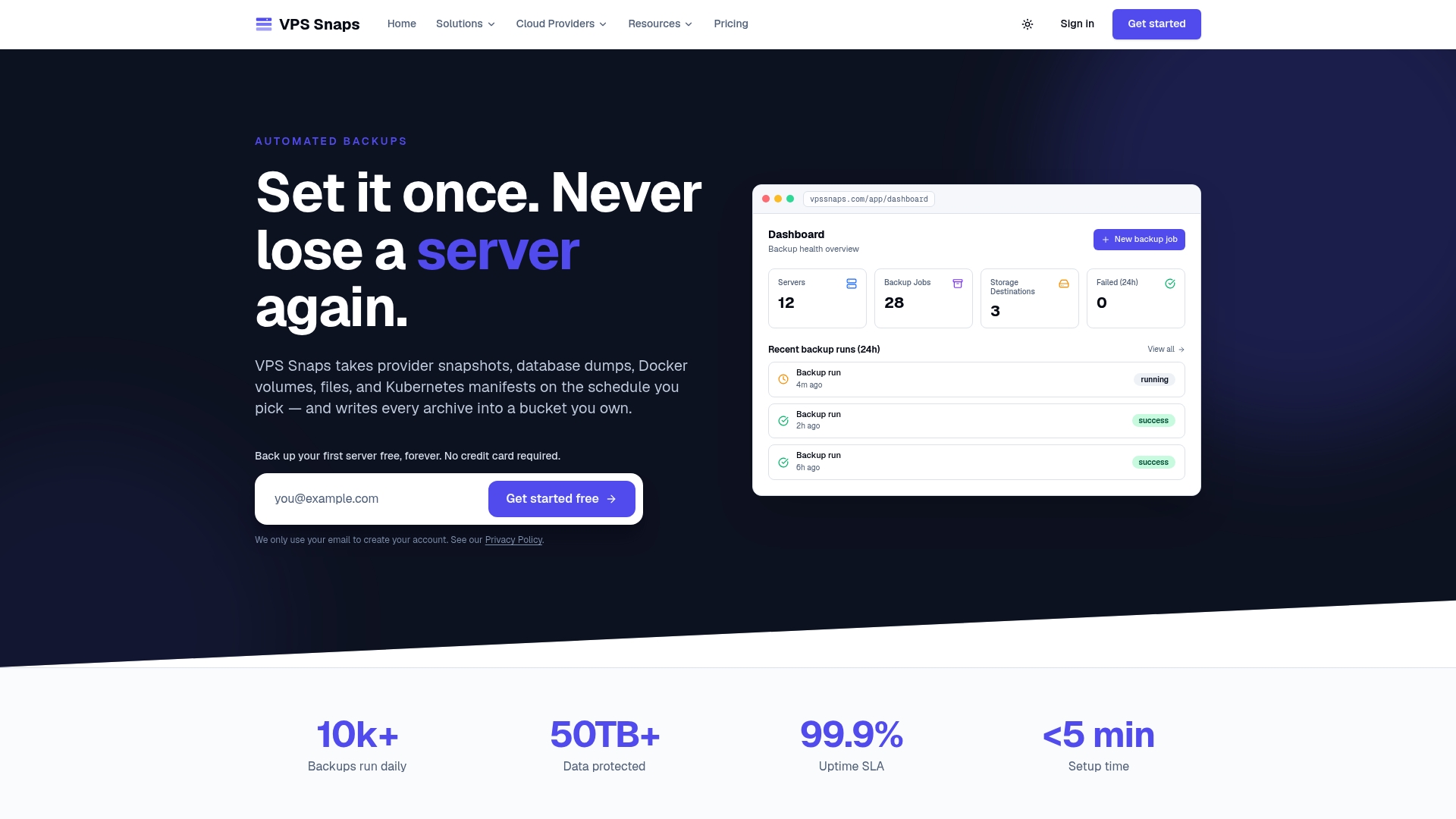
Every job comes with encrypted credential storage and a run log that shows exactly what succeeded and what didn’t, which is the audit trail you’ll want on hand the next time someone asks whether backups are actually running. Setup guidance exists for AWS EC2 and Azure instances, along with the rest of the seven supported providers.
Plans start at $10 a month for the Starter tier, scaling up through Standard, Pro, and Agency as your server count grows. Check the pricing page and start a trial to see how quickly automated snapshots land in your own bucket.
Sources
- Immutable Backups: autonomous ransomware protection — SentinelOne
- Ransomware Guide — CISA
- Manage immutable vaults in Azure Backup — Microsoft Learn
- Immutable Backups Ransomware Can’t Delete: How S3 Object Lock Really Works — ZERO-Z3
- What is immutable backup? — IBM
FAQ
What Is the Difference Between Immutable Backups and Snapshots?
A regular snapshot can be deleted by anyone with sufficient permissions, including a compromised admin account. An immutable backup is locked at the storage layer, typically through WORM or S3 Object Lock, so deletion is rejected regardless of credentials until retention expires.
Does S3 Object Lock Work on Existing Buckets?
Generally, no. Object Lock needs to be enabled when the bucket is created, along with versioning, so bucket planning has to happen before data starts flowing.
Should I Use Governance Mode or Compliance Mode?
Compliance mode is the stronger option for ransomware resilience because it blocks deletion for every account, including the root user, until retention expires. Governance mode only prevents accidental deletion and can be bypassed by users with override permissions.
Do Immutable Backups Cost More to Store?
Yes. Because locked data can’t be pruned early, retention windows directly determine how much storage you’re carrying at any given time, and that cost needs to be budgeted before rollout rather than discovered afterward.
How Does Vpssnaps Support Immutable Backup Workflows?
Vpssnaps streams automated snapshots and database backups directly into storage buckets you own, so your own Object Lock or vault-lock settings govern the data. Plans start at $10 a month, with encrypted credentials and run logs included for audit purposes.