Harden the 3-2-1 Backup Rule with One Immutable Copy
Harden the 3-2-1 Backup Rule with One Immutable Copy
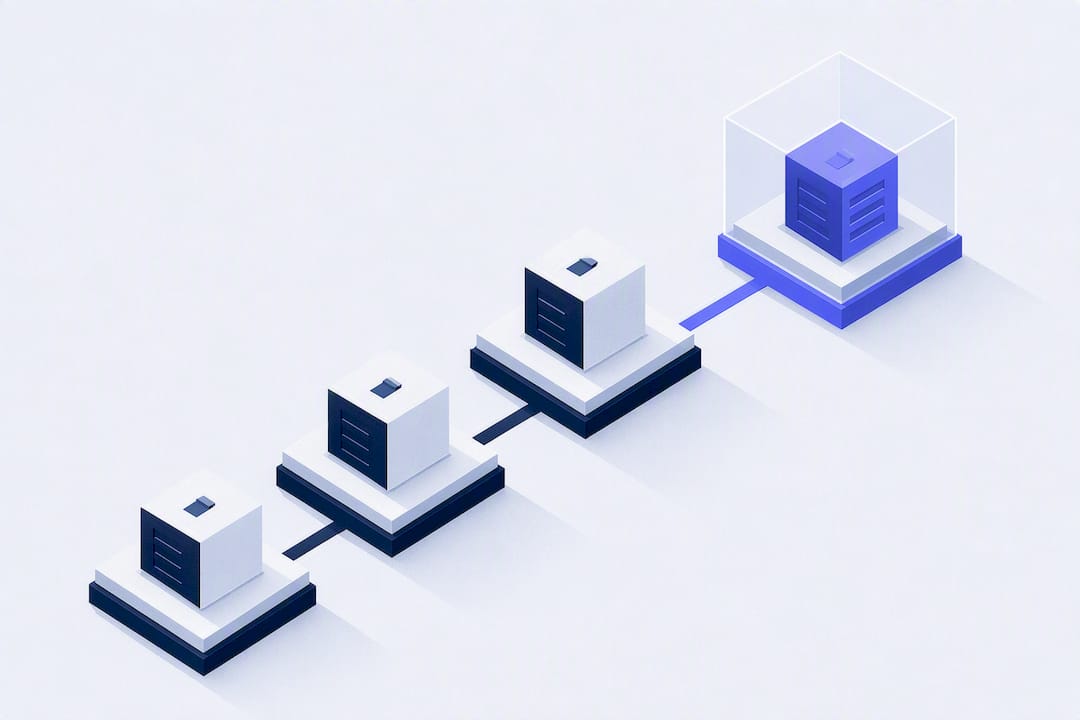
The 3-2-1 backup rule requires three total copies of your data, kept on two different media types, with one copy stored off-site. It’s a solid baseline, but on its own it’s outdated against modern ransomware. The stronger version, 3-2-1-1-0, adds one immutable or offline copy and mandates zero errors on verified restores. That last part is the one most teams skip, and it’s the one that actually saves you during an attack.
TL;DR:
- Modern ransomware tactics can delete or encrypt backup copies, making the addition of immutable or offline backups essential for effective protection.
- Cloud backups must be scheduled snapshots with independent versioning, not real-time sync, to avoid copying ransomware-encrypted or deleted files instantly.
- Implementing a 3-2-1-1-0 strategy involves securing one immutable or air-gapped copy and regularly testing restore procedures to verify backup integrity.
- Diversifying cloud providers and regions reduces single points of failure and safeguards against credential compromises or provider outages.
- Automating backups using tools like VPS Snaps ensures scheduled snapshots and detailed logs, supporting compliance with the verification requirement of the 3-2-1-1-0 model.
Table of Contents
- What Does the 3-2-1 Backup Rule Actually Mean?
- How Does 3-2-1 Work in Practice With Cloud Storage?
- Why Did 3-2-1 Evolve Into 3-2-1-1-0?
- How Do You Implement a 3-2-1-1-0 Backup Strategy Step by Step?
- How Should You Test and Verify Your Backups?
- What Mistakes Break a 3-2-1 Backup Strategy?
- When Is Classic 3-2-1 Enough, and When Do You Need 3-2-1-1-0?
- Where a Service Like VPS Snaps Fits the 3-2-1-1-0 Model
- Start Simple, Then Harden
- Automate Your 3-2-1-1-0 Setup Without Writing a Single Script
- Sources
- FAQ
What Does the 3-2-1 Backup Rule Actually Mean?
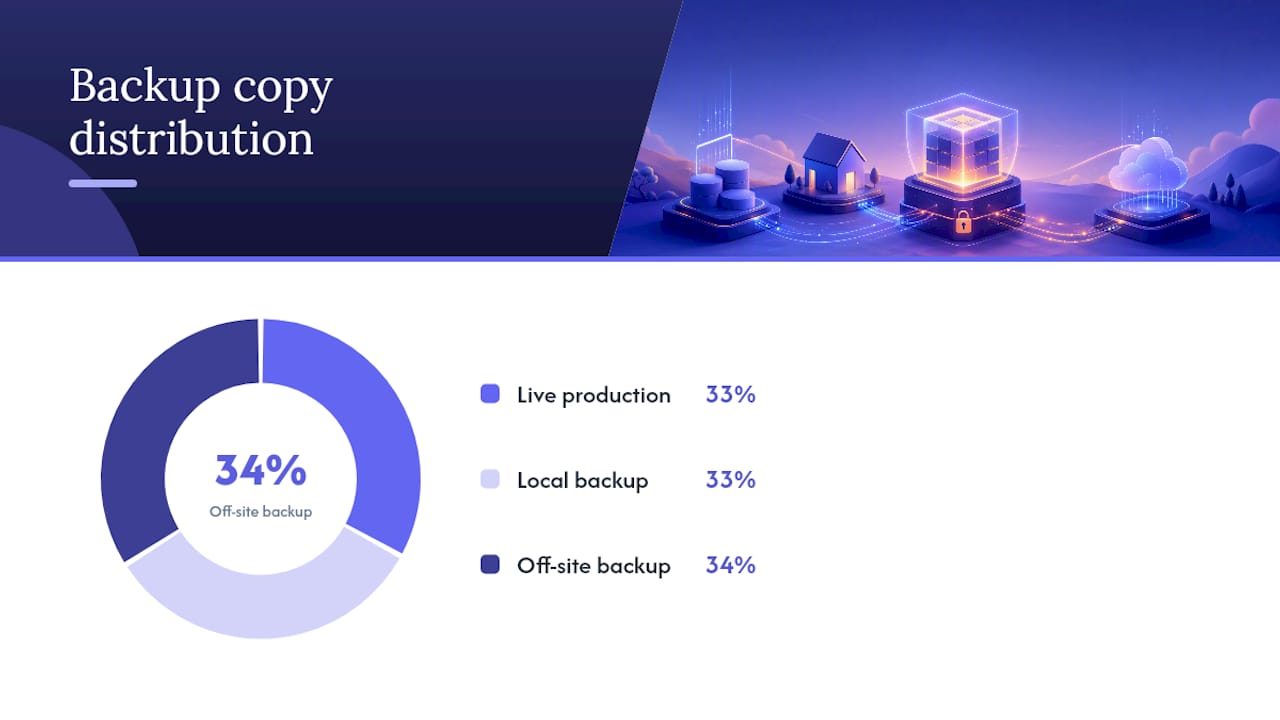
The math is simple even if the discipline isn’t. You keep three copies of your data: the live production version, plus two backups. Those copies live on two different media types, so a single failure mode can’t wipe out everything at once. And one copy sits off-site, physically or geographically separated from the rest.
Photographer and author Peter Krogh formalized this framework in The DAM Book back in 2009, and it’s held up because it maps cleanly to three distinct failure modes. A drive dies, you pull from the second copy. A fire or flood takes out your office, the off-site copy survives. Corruption creeps into a file over weeks and nobody notices until it’s in every local copy, so an off-site version with its own retention history gives you something clean to roll back to.
A typical setup looks like this:
- Copy 1: the live production database or server
- Copy 2: a local NAS or secondary drive, updated on a schedule
- Copy 3: a cloud bucket in a separate region or account, off-site by definition
The number of copies matters less than the questions it forces you to answer: how much data can you afford to lose (your recovery point objective, or RPO), and how fast do you need to be back online (your recovery time objective, or RTO)? A blog with weekly updates can tolerate a 24-hour RPO. A transaction database processing orders every minute cannot. The 3-2-1 structure is the container; your RTO and RPO decide how often you fill it.
How Does 3-2-1 Work in Practice With Cloud Storage?
Media choice is a trade-off between speed, cost, and isolation, and there’s no single right answer for every workload.
- Local disk or NAS is fast to restore from but shares your building’s risk profile.
- Removable media or tape is slow but genuinely isolated when disconnected.
- Object storage in the cloud is durable and off-site by nature but depends entirely on your provider staying reachable and your credentials staying secure.
Here’s where a lot of setups quietly fail the rule without anyone noticing: cloud sync tools like a shared drive folder are not backups. Sync mirrors changes in near real time, including the moment a file gets deleted, corrupted, or encrypted by ransomware. A real backup needs scheduled snapshots with independent versioning, so you can reach back to a point in time before the damage happened.
Diversifying providers and regions cuts your single point of failure risk. Experts increasingly point out that relying on one cloud account, even with multiple buckets inside it, means one compromised credential or provider outage can take down every copy at once. A cloud-only strategy can technically satisfy 3-2-1, but only if the copies sit on genuinely different providers or regions with independent access credentials and their own retention settings.
Match your schedule to your RPO. If you can tolerate losing a day of data, nightly snapshots are fine. If you can’t tolerate losing more than an hour, you need continuous or near-continuous replication for at least one copy, with the others on a slower, cheaper cadence for long-term retention.
Why Did 3-2-1 Evolve Into 3-2-1-1-0?
Ransomware groups don’t just encrypt your production files anymore. They actively hunt for backup repositories and delete or encrypt them first, specifically to remove your leverage before demanding payment. A backup sitting on the same network, reachable by the same domain admin credentials as production, offers no real protection against that.
That’s the gap 3-2-1-1-0 closes. The extra “1” means one copy is immutable or offline: it cannot be altered or deleted, even by someone holding valid admin credentials, for a defined retention window. The “0” means zero unverified backups. Every copy gets tested on a schedule, not assumed to work.
Immutability is usually enforced one of two ways:
- Object lock or WORM storage (write once, read many) on cloud buckets, where a retention policy blocks deletion even from the account owner until the lock expires.
- Air-gapped media, like tape rotated physically off-site or a drive that’s disconnected after each backup job.
CISA’s guidance on ransomware defense treats immutability and credential separation as core controls, not optional extras. AvePoint’s research goes further, recommending that the admin account controlling retention locks be separate from your everyday IT admin account, so a single phished password can’t touch the immutable copy at all.
Pro Tip: If you’re using object lock on a cloud bucket, set the retention period through a separate identity from the one your backup software uses daily. That way a compromised backup service credential still can’t shorten or cancel the lock.

How Do You Implement a 3-2-1-1-0 Backup Strategy Step by Step?
Building this out doesn’t have to happen all at once. Work through it in order:
- Scope what actually needs protecting. List critical databases, config files, application code, and Docker volumes. Assign an RTO and RPO to each, because a marketing site and a payments’ database do not deserve the same backup budget.
- Pick two media types and an off-site destination. A common pairing is local disk plus cloud object storage in a separate region. Decide now whether you need object lock, an air-gapped copy, or both, based on how sensitive the data is.
- Configure encryption, separate credentials, and retention. Backup credentials should never be the same login your team uses for daily server access. Set retention windows that match compliance requirements or your own recovery needs, not just whatever the default is.
- Automate monitoring and logging, and turn on retention locks where they’re available. A backup job that fails silently at 2 a.m. is worse than no backup at all, because you find out during the emergency instead of before it.
- Build a restore-testing schedule and document what happens. Don’t just confirm the backup file exists. Actually restore it and time how long recovery takes.
Don’t forget to back up the things that let you use your backups: encryption keys, certificates, and admin credentials. NIST guidance on recovery planning specifically calls out runbooks and credentials as item teams forget to protect, which means a technically perfect backup can still be useless if the key to unlock it lived nowhere but the server that just got wiped.
Pro Tip: Print or store your recovery runbook somewhere that doesn’t depend on the systems it’s meant to recover. A digital-only runbook stored on the server you’re trying to rebuild defeats the purpose.
How Should You Test and Verify Your Backups?
The “0” in 3-2-1-1-0 is the step most teams skip, and it’s the one that determines whether your recovery plan is real or theoretical. An untested backup is a guess, not a safeguard.
A workable cadence looks like this:
- Monthly: restore individual files to confirm basic integrity and access.
- Quarterly: restore a full application, including its database and dependencies, into an isolated sandbox.
- Annually: run a complete environment failover, simulating a real disaster where production is unreachable.
Huntress recommends automated checksum verification alongside manual restore tests, since a backup file can technically exist and still be corrupted in a way that only shows up when you try to open it. Sandbox restores are particularly valuable because they confirm an application actually comes back online functional, not just that files copied successfully.
Track how long each restore actually takes and compare it against your stated RTO. If quarterly tests keep taking six hours against a four-hour target, that’s a signal to adjust your architecture, not just your paperwork.
What Mistakes Break a 3-2-1 Backup Strategy?
Most failures trace back to a handful of repeat offenders, and they’re worth auditing for directly rather than assuming your setup avoids them.
- Single-vendor or single-account dependency. If every copy sits with one cloud provider under one login, a provider outage or account compromise takes out everything at once. Spread copies across providers or at least separate accounts.
- Treating cloud sync as backup. Sync tools propagate deletions and ransomware encryption instantly. You need scheduled, versioned snapshots instead.
- Shared credentials across every backup target. If one password unlocks production and every backup copy, that password becomes ransomware’s single objective.
- Never testing restores. A backup nobody has ever restored is a hypothesis, not a plan.
- Forgetting recovery secrets. Encryption keys and admin credentials need their own backup, stored somewhere independent of the systems they unlock.
When Is Classic 3-2-1 Enough, and When Do You Need 3-2-1-1-0?
Classic 3-2-1 still fits low-risk, cost-sensitive situations reasonably well. A personal project, a low-traffic blog, or internal tooling with no regulated data and no realistic ransomware target profile can run on standard 3-2-1 without the added complexity of immutability.
Once any of these show up, upgrade to 3-2-1-1-0:
- You handle regulated data (health records, financial data, customer PII).
- Downtime translates directly into lost revenue or contractual penalties.
- You’re a plausible ransomware target, which today includes most small and mid-sized businesses, not just enterprises.
The upgrade cost is mostly operational, not financial: immutable storage tiers and object lock features are inexpensive to enable, but they require someone to actually manage separate credentials and test the recovery process. A practical path is to start with a local plus cloud pairing, add one immutable copy first, then build out verification testing once the storage side is solid.
Where a Service Like VPS Snaps Fits the 3-2-1-1-0 Model
VPS Snaps automates the piece most teams handle manually and inconsistently: taking scheduled snapshots through your cloud provider’s own API and streaming them directly into storage buckets you own. That satisfies the media-diversity and off-site requirements in one pass, since the snapshot artifacts live in your account rather than a third-party vault you’d need to trust separately.
Encrypted credential storage keeps the connection between VPS Snaps and your provider isolated from your everyday admin logins, addressing the shared-credential risk that undermines so many backup setups. Detailed run logs record every successful job and flag failures, which is the practical foundation the “0” in 3-2-1-1-0 depends on: you can’t verify what you don’t know happened. For teams running file backups, database dumps, or Docker volumes across multiple cloud providers, that visibility replaces the guesswork of unmonitored cron scripts.
Start Simple, Then Harden
Get the basics right before chasing perfection: one local copy, one cloud copy, one immutable copy. Assign an actual owner to your backup process, write down the runbook, and put restore tests on a calendar instead of a mental to-do list. From there, move toward full 3-2-1-1-0 in stages rather than trying to build it all in a weekend.
— Scott
Automate Your 3-2-1-1-0 Setup Without Writing a Single Script
Most teams that get backups right stop wrestling with cron jobs and custom scripts, and instead let provider APIs do the heavy lifting. VPS Snaps automates that entire layer: scheduled snapshots, database dumps, Docker volume backups, and Kubernetes manifest backups, all streamed straight into storage buckets that stay under your control rather than a vendor’s proprietary vault.
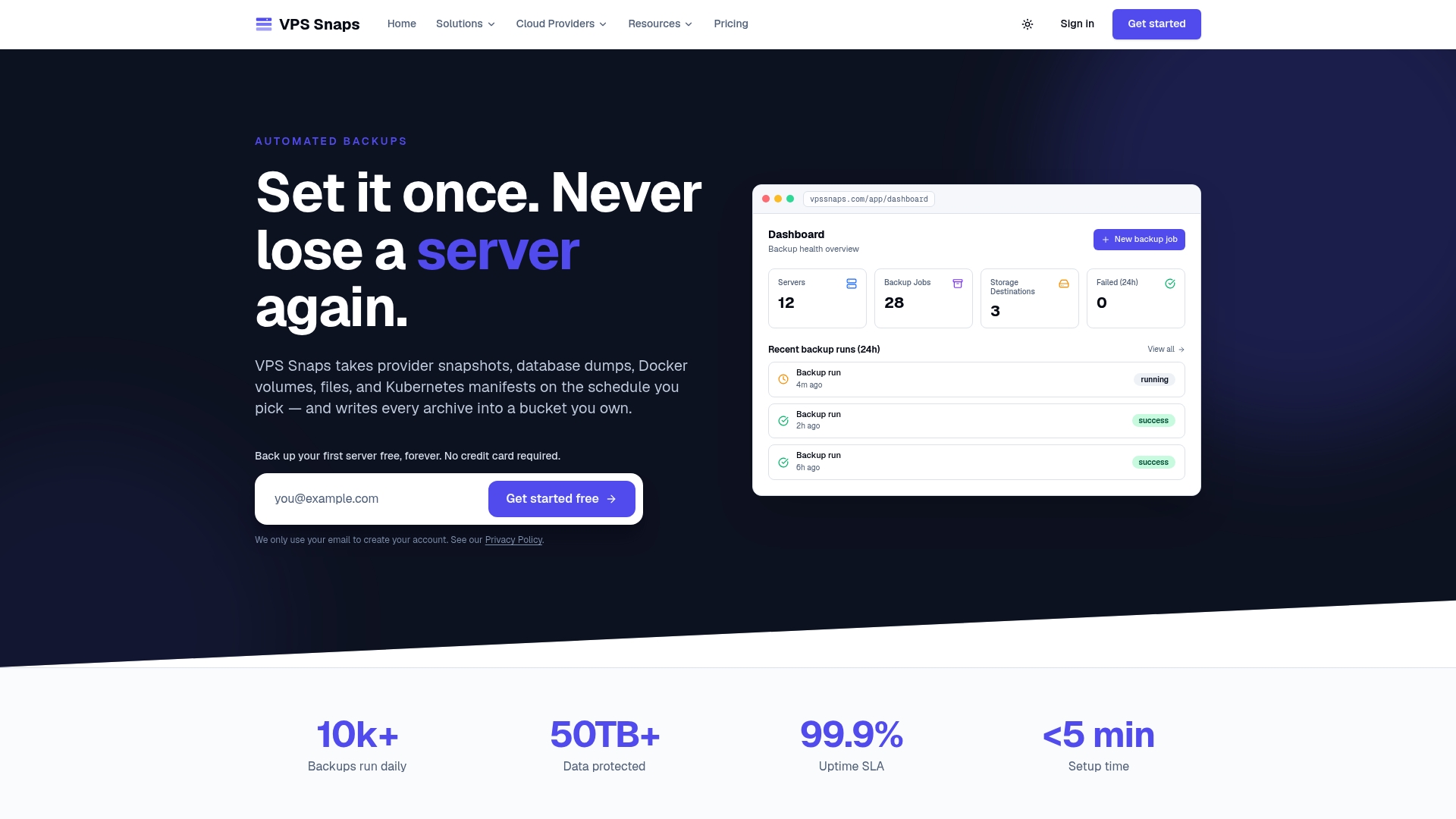
That last point matters more than it sounds. Because snapshot artifacts land in your own account, you can restore them independently of VPS Snaps if you ever need to, which cuts the lock-in risk that comes with backup tools that stage files internally. Encrypted credential storage and detailed run logs give you the audit trail that turns “we think the backup ran” into a documented, verifiable fact, exactly what the “0” in 3-2-1-1-0 asks for.
If you’re managing servers across DigitalOcean, AWS, or other providers, check the pricing plans starting at $10 a month for Starter and see which tier matches your team’s footprint.
Sources
- The 3-2-1 backup strategy requires three data copies on two media types with one stored offsite
- What Is the 3-2-1 Backup Rule? A Complete 2026 Guide | AvePoint
- 3-2-1 Backup Rule: What It Is + How To Implement | Huntress
- CISA — Data backup options (PDF)
FAQ
Is the 3-2-1 Backup Rule Outdated?
Classic 3-2-1 isn’t wrong, but it’s incomplete against modern ransomware that specifically targets backup repositories. Most current guidance recommends the 3-2-1-1-0 extension, which adds an immutable or offline copy plus mandatory verified restores.
What Is the 3-2-1-1-0 Rule for Backing Up Data?
It builds on the original 3-2-1 structure, three copies, two media types, one off-site, by adding one immutable or air-gapped copy that can’t be altered even with valid credentials, plus a requirement for zero unverified backups. That means every backup gets tested on a real cadence instead of assumed to work.
Which Backup Strategy Is Best?
There’s no single best strategy independent of your risk profile, but 3-2-1-1-0 is the strongest general-purpose framework for anyone facing ransomware risk, regulatory requirements, or real downtime cost. Low-risk, non-critical workloads can often run safely on classic 3-2-1 alone.
What Is the 3-2-1 Rule When Backing Up Data?
It means keeping three total copies of your data, storing them across two different media types, and keeping at least one copy off-site so a single disaster or device failure can’t wipe out everything at once. The framework was formalized by photographer Peter Krogh and is now standard guidance across IT and cybersecurity.
How Much Does VPS Snaps Cost?
VPS Snaps plans start at $10 a month for the Starter tier, with Standard, Pro, and Agency tiers scaling up for larger teams, and a Free plan available. Full pricing details are listed on the VPS Snaps pricing page.